1-18 Installation Guide
www.dell.com | support.dell.com
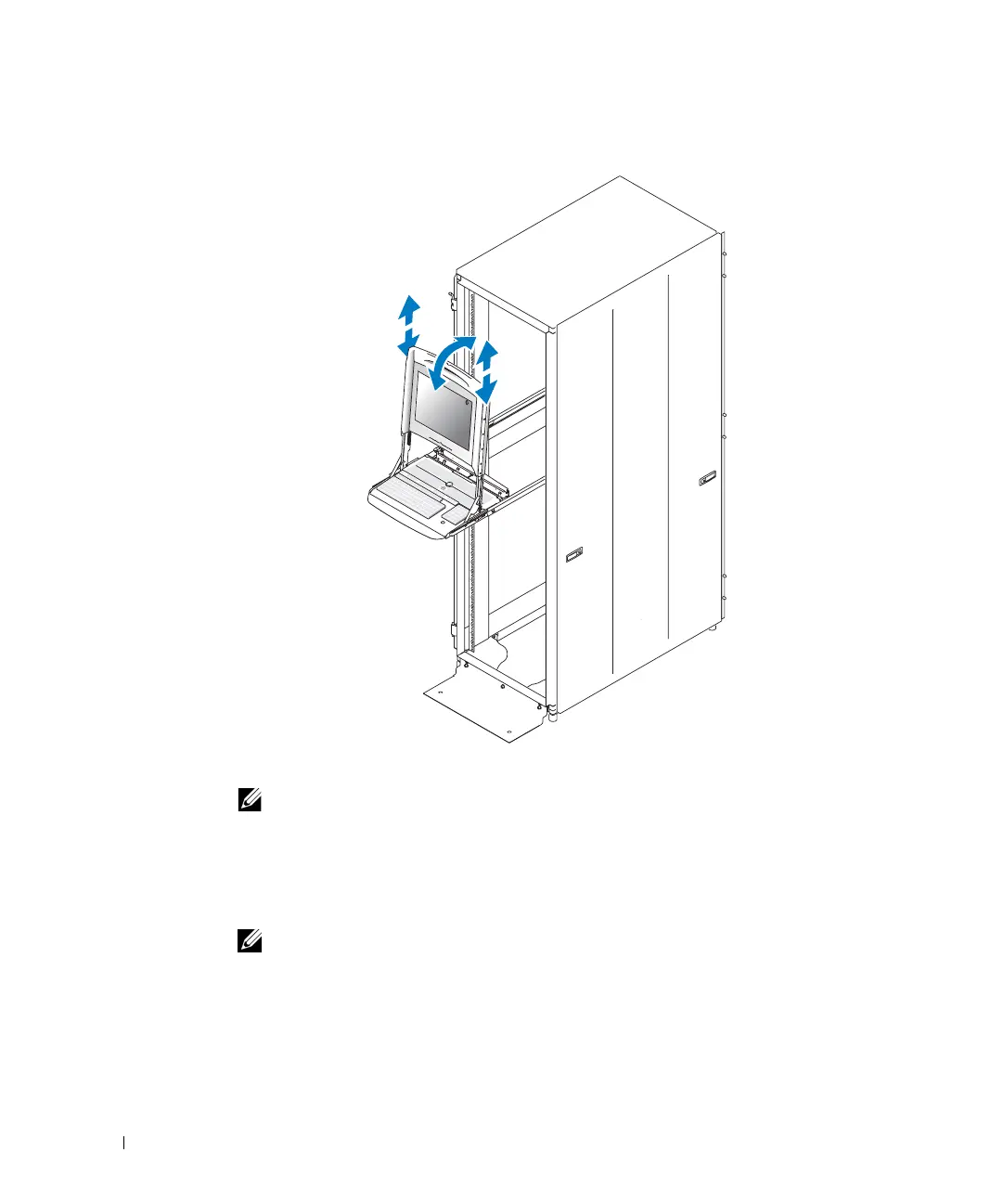
Figure 1-12. Adjusting the Monitor Angle
3
Use the monitor power button to turn the monitor on and off.
NOTE: For more information about using the monitor, see the monitor documentation
included in the tray kit.
4
To end the session:
a (Optional) Use the monitor power button to turn off the monitor, or put the
monitor into sleep mode.
NOTE: The monitor automatically turns off when it is lowered past a 45° angle.
b
Rotate the monitor down to the fully-lowered position.
c Push the tray completely into the rack.
8x738bk0.book Page 18 Monday, April 28, 2003 10:21 AM



 To Next Page