1-10 Installation Guide
www.dell.com | support.dell.com
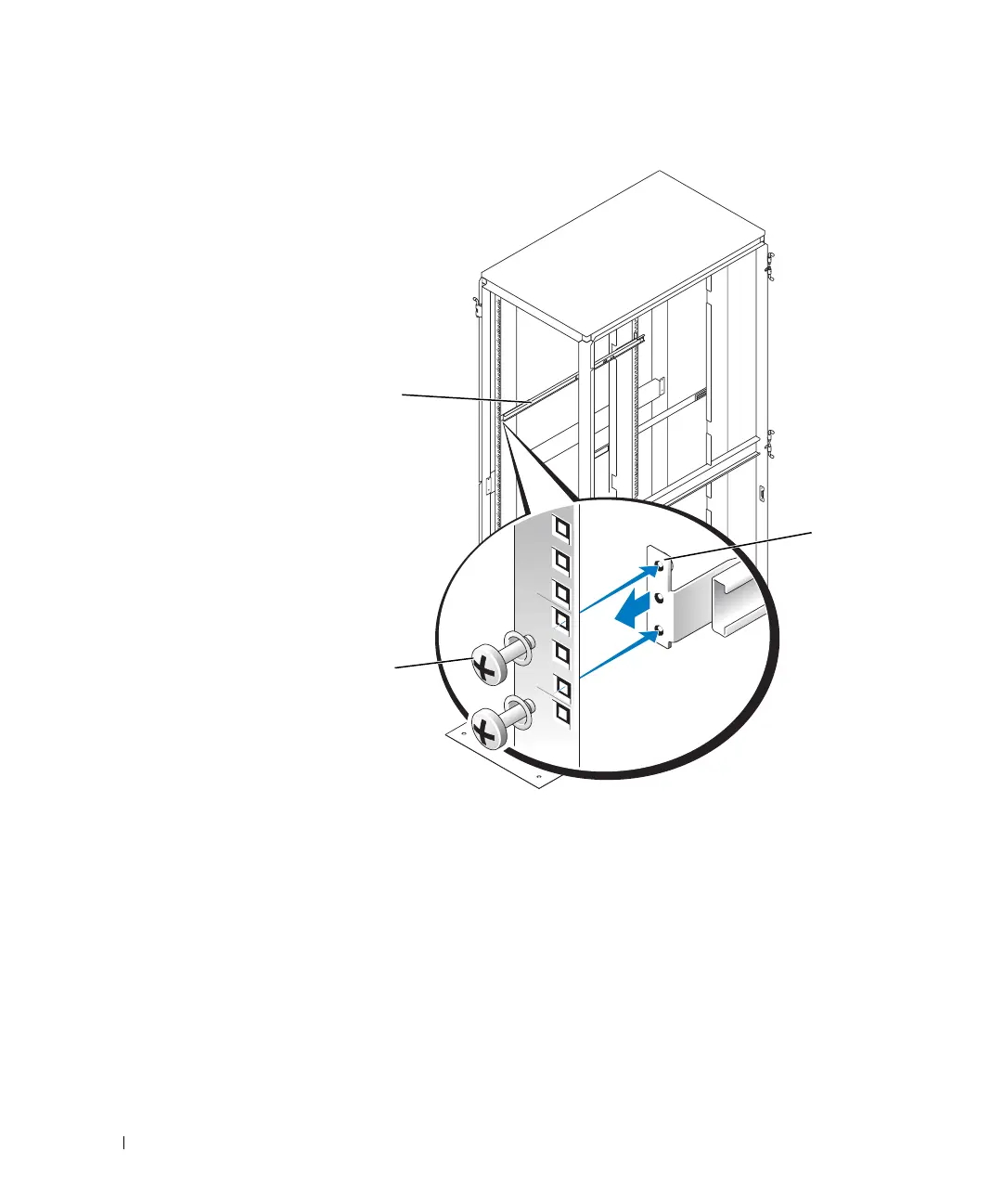
Figure 1-5. Installing the VersaRails Slide Assemblies
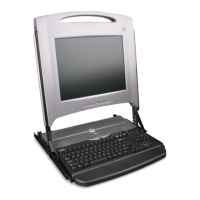
Installing the 1-U KMM Tray in the Rack
1 Pull the left- and right-slide rails out of the slide assemblies until you feel the rails lock
in the fully extended position.
2 Align the 1-U KMM tray rails with the fronts of the slide rails, insert the tray rails into
the slide rails, and push the tray steadily into the rack (you may need to give an extra
push at one point to overcome the locking mechanism) until the metal shipping
brackets on the sides of the tray touch the vertical rails of the rack. See Figure 1-6.
front of rack
slide assemblies (2)
10-32 x 0.5-inch flange-head
Phillips screws and washers
(5 sets per slide assembly)
mounting-
bracket
flange
8x738bk0.book Page 10 Monday, April 28, 2003 10:21 AM



 To Next Page