System Board Information 337
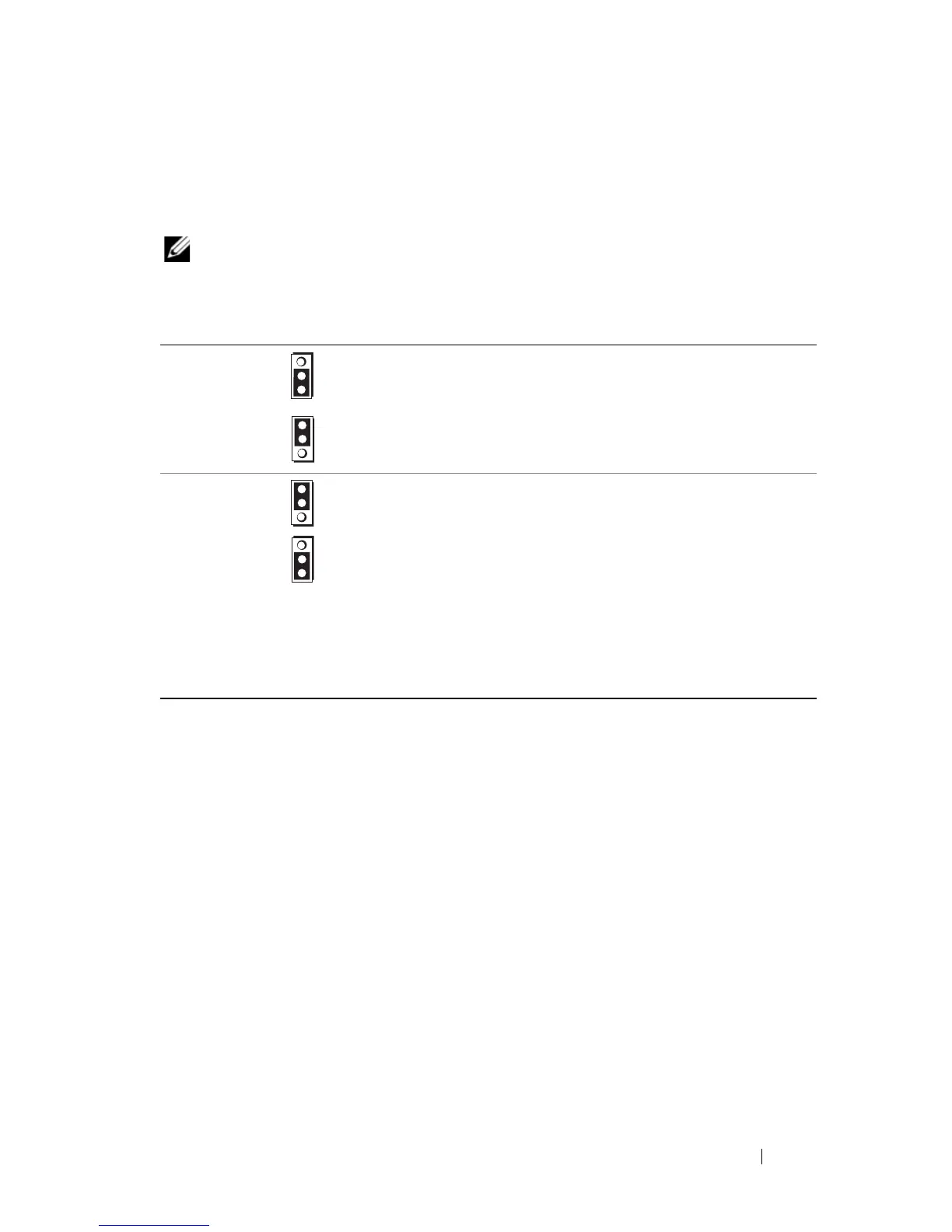
PowerEdge M600 Jumper Settings
Figure 7-13
shows the location of the configuration jumpers on the blade
system board. Table 7-8 lists the jumper settings.
NOTE: Figure 7-13 is oriented with the front end of the blade system board facing to
the right.
Table 7-8. PowerEdge M600 Jumper Settings
PWRD_EN
(default) The password feature is enabled. (Pins 1-2)
The password feature is disabled. (Pins 2-3)
NVRAM_CLR
(default) The configuration settings are retained at
system boot (Pins 2-3)
The configuration settings are cleared at the
next system boot. (Pins 1-2) (If the
configuration settings become corrupted to the
point where the system does not boot, install
the jumper and boot the system. Remove the
jumper before restoring the configuration
information.)












 To Next Page