Chapter 6 Control TerminalsCFP2000
6-10
6-3 Remove the Terminal Block
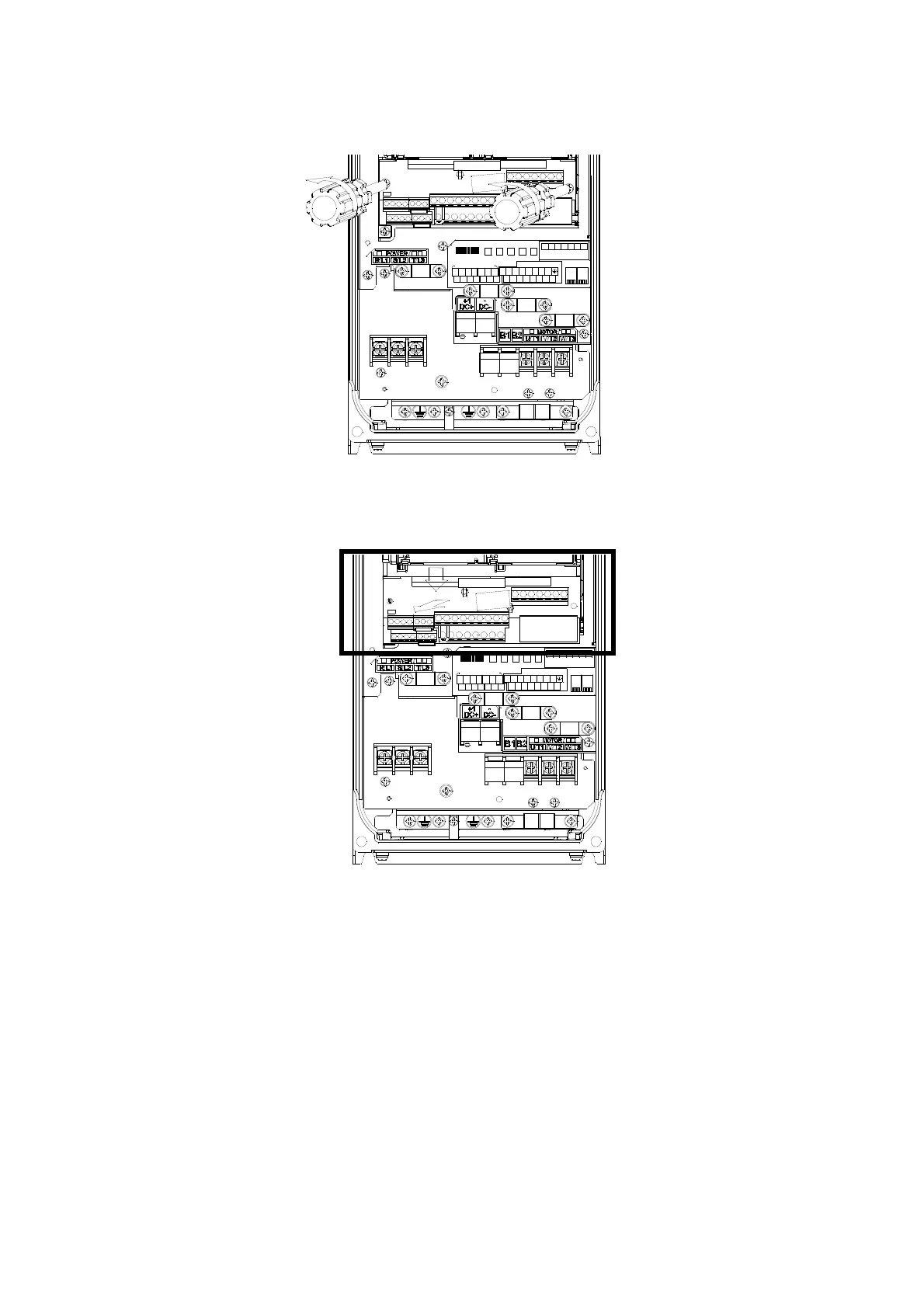
1. Loosen the screws by screwdriver. (As shown in figure below).
Screw torque: 6–8 kg-cm / [5.2–6.9 lb-in] / [0.59–0.78 Nm]
Figure 6-23
2. Remove the control board by pulling it out for a distance 6–8 cm (as 1 in the figure) then lift the control
board upward (as 2 in the figure).
Figure 6-24
1
2








 To Next Page