Example Function Symbol Representation
4.5.3 Date-Time ............................................................................................................................
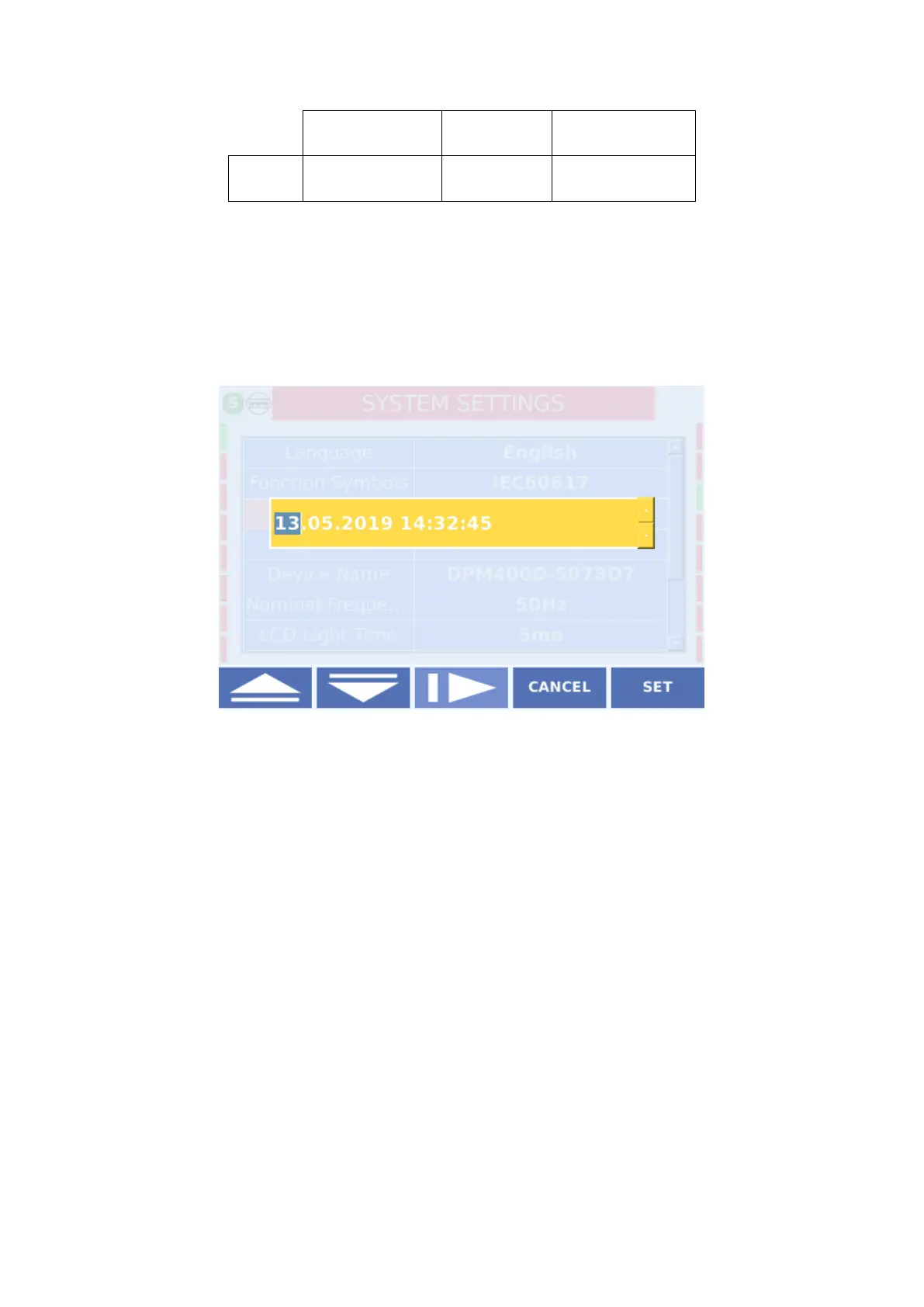
This is the screen where the regional date and time settings are made. It is important to
transfer the time data to the user in the follow-up of the event records. Date - time settings are
- Time on the device.
4.5.4 Bay Name
Bay name settings are located on the device
There are 21 characters to define by the user.
4.5.5 Device Name
Device
Name. There are 21 characters to define by the user.
4.5.6 Nominal Frekans
The nominal frequency of the network in which the device is to be used is selected here. The
factory default setting is 50Hz, but it should be selected as 60Hz where the network nominal
Settings> Nominal Frequency on the device.



 To Next Page