EasyManua.ls Logo

DEMA DPM 400 D - General Options

DEMA DPM 400 D
118 pages
Print Icon
To Next Page IconTo Next Page
To Previous Page IconTo Previous Page
Loading...
111

settings menu:






ED Posts





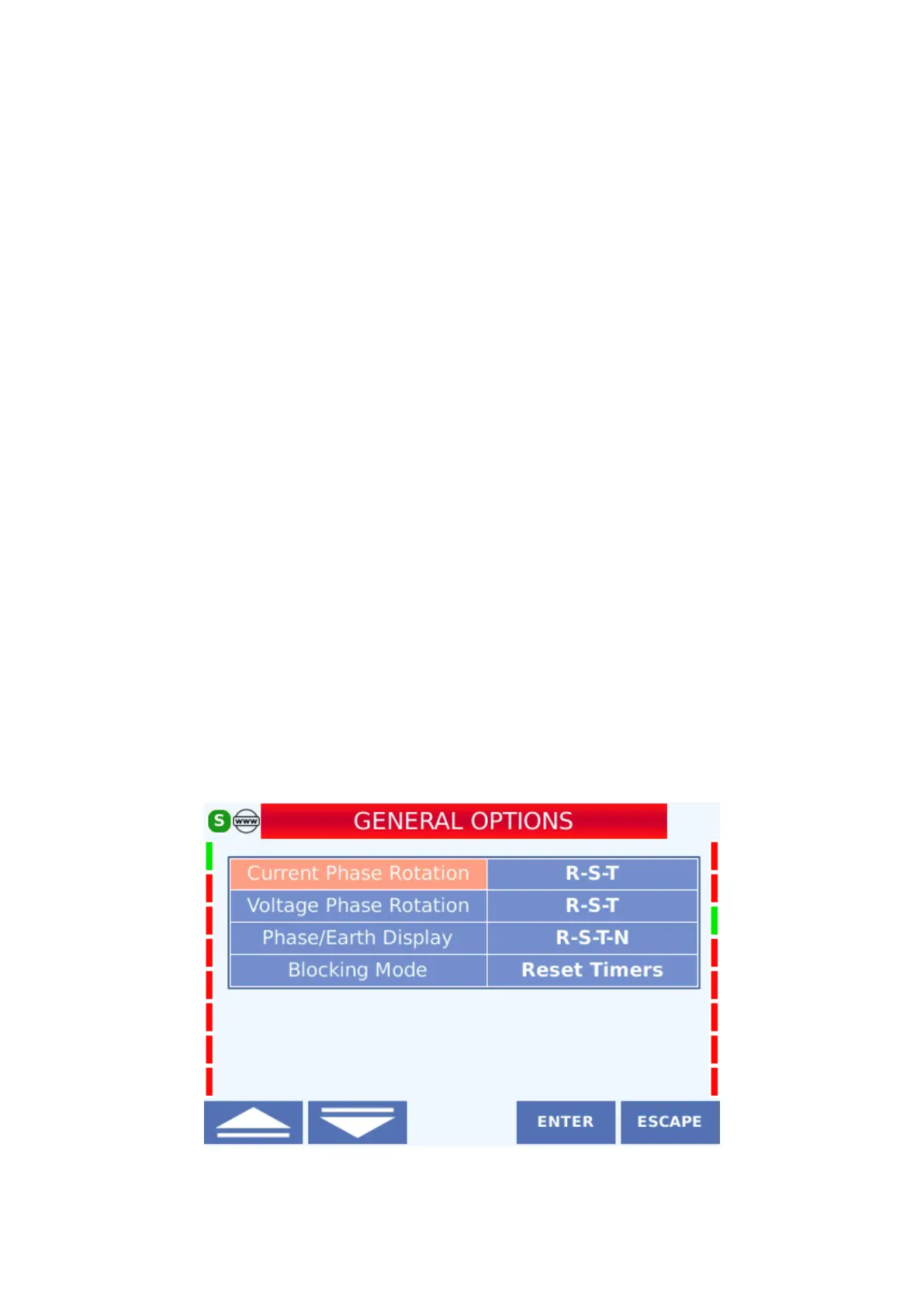
4.6.1 General Options
It is the screen where the phase sequences in the current and voltage connections of the device
are configured, the phase view is selected and the blocking mode is determined. General
options are available on the device under Main Menu> Configuration Settings> General
Options. The setting of the setting in the menu is as follows
General Options Display


Table of Contents

Related product manuals