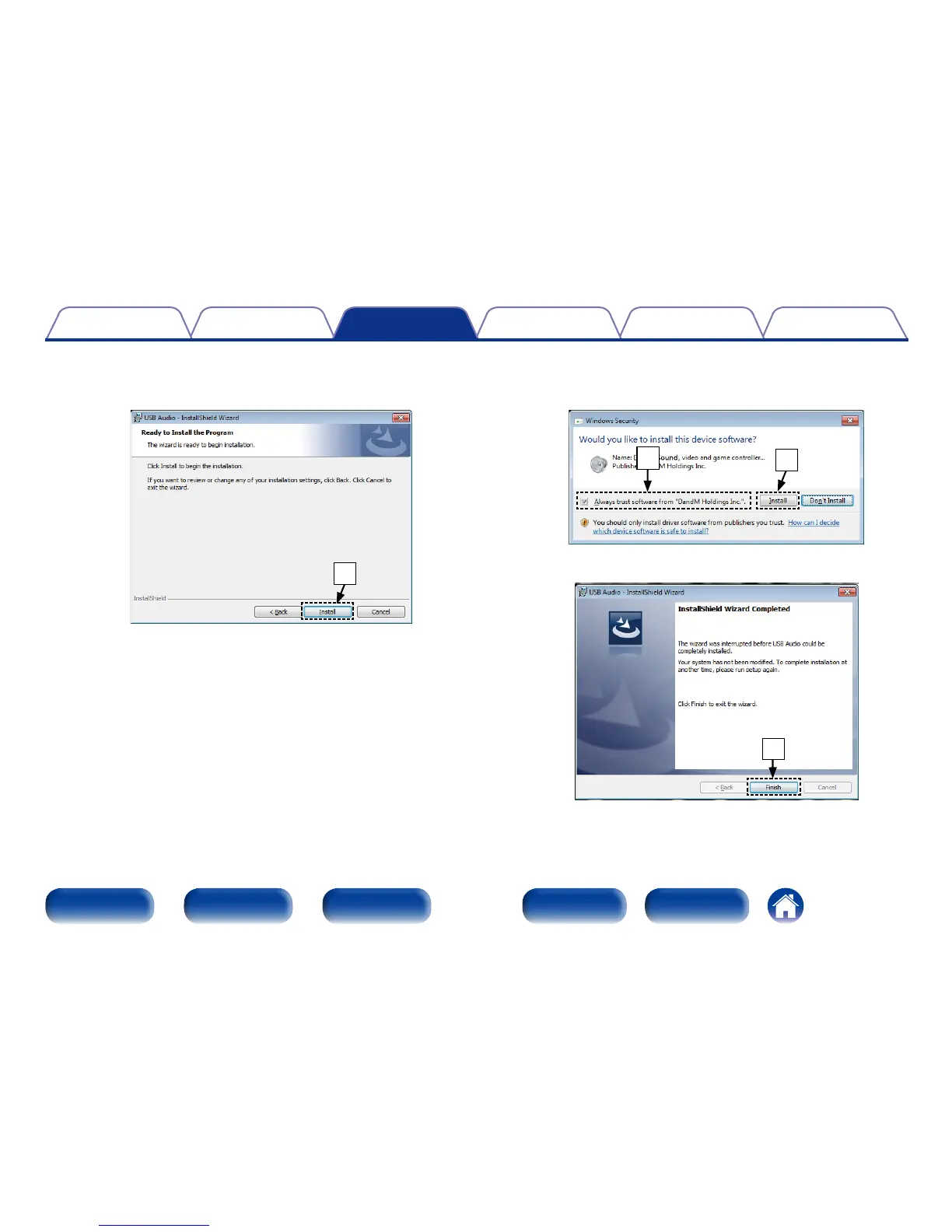
y Click “Install” on the installation start dialog.
•The installtion starts. Do not perform any operation on the
computer until the installation is completed.
y
u In the Windows security dialog, select “Always trust software
from DandM Holdings Inc.”.
i Click “Install”.
i
u
o When the installation is completed, click “Finish”.
o



 To Next Page