o
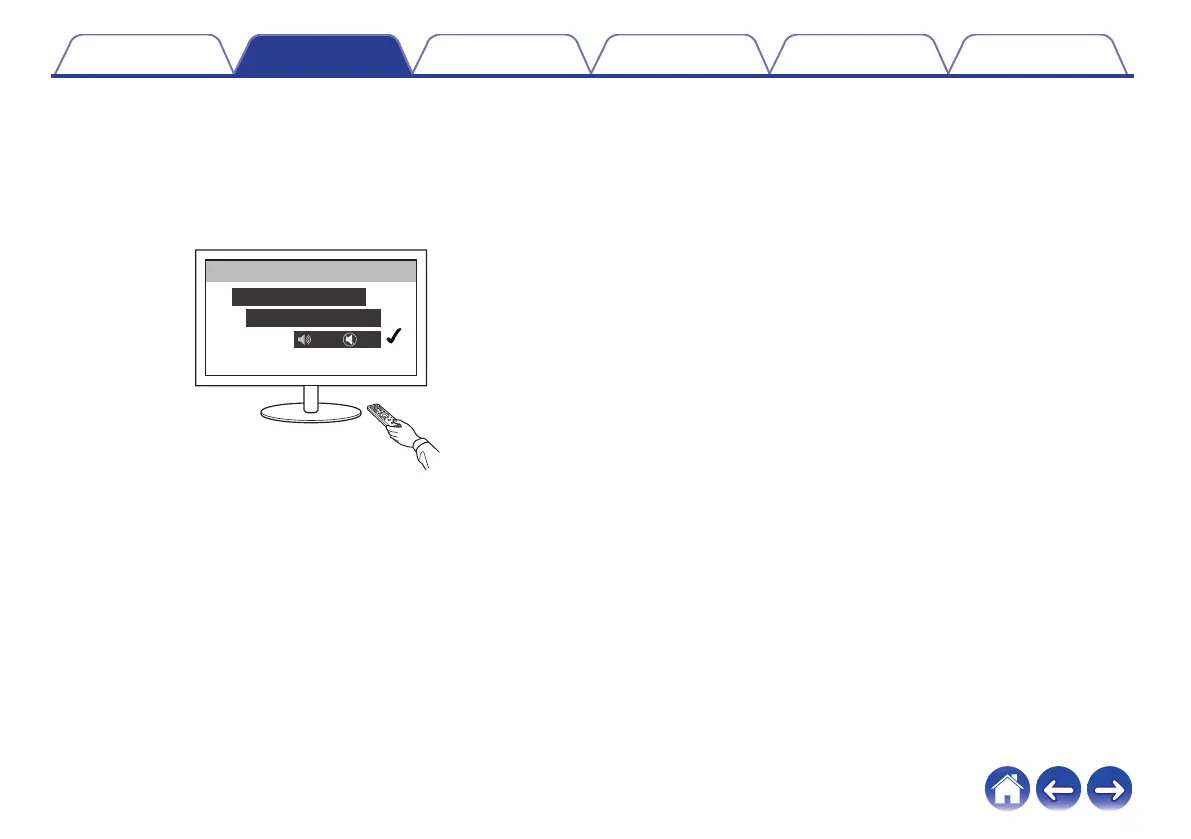
Disable your television’s speakers
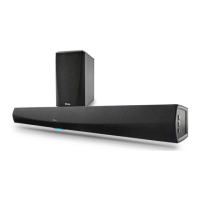
Disable your television’s built-in speakers when using HEOS Bar.
Usually, this is done with an on-screen setup menu on your television.
Look for an “Audio” or “Sound” sub-menu, and a “Speakers Off”,
“Disable Speakers”, “External Speakers” or similar menu item. Some
televisions have a switch on the rear panel to disable the built-in
speakers.
.
Setup
Audio
TV Speaker
On Off
Contents
Setup Use Troubleshooting Status LED Appendix
27


 To Next Page