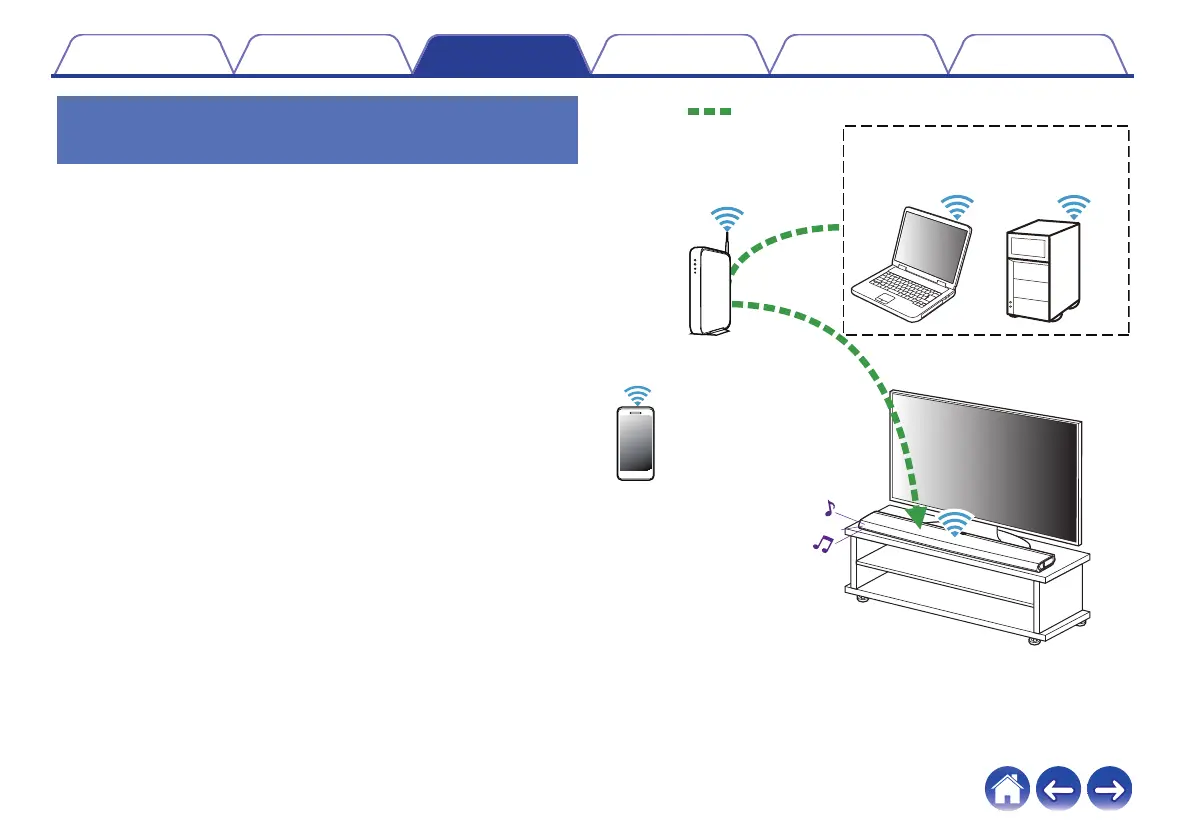
Playing music from your networked PC
or NAS
1
Select “Music Servers” from the “Music” tab.
2
Select the name of your networked PC or NAS
(Network Attached Storage) server.
3
Browse the music on your PC/NAS and select
something to play.
.
Audio signal
NAS
(Network Attached
Storage)
PC
Contents
Setup Use Troubleshooting Status LED Appendix
49


 To Next Page