.
TV Connection
Subwoofer
Surrounds
Inputs
Setup Assistant
o
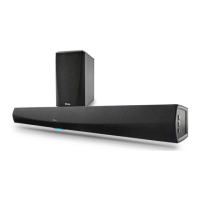
Pairing the HEOS Subwoofer
1
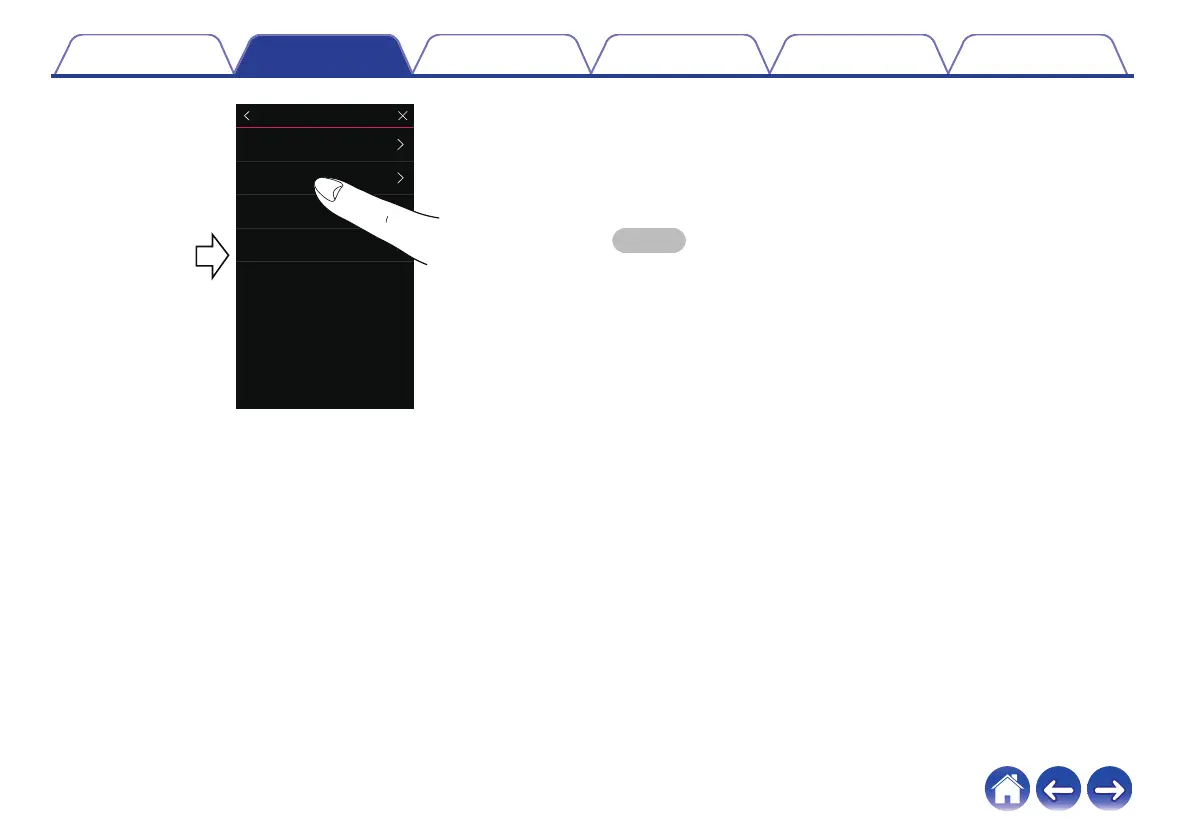
Select “Subwoofer”.
2
Select “HEOS Subwoofer”, then tap NEXT.
NOTE
0
Configure the HEOS Subwoofer settings after pairing is complete. Select
“Optimized for HEOS Bar” for normal configuration. Settings are optimized for the
HEOS Bar.
o
Adding surround speakers
1
Select “Surrounds”.
2
Select “Wireless HEOS Speakers” or “HEOS Amp” and
tap NEXT.
Select the device that you want to add and tap NEXT.
Contents Setup Use Troubleshooting Status LED Appendix
33


 To Next Page