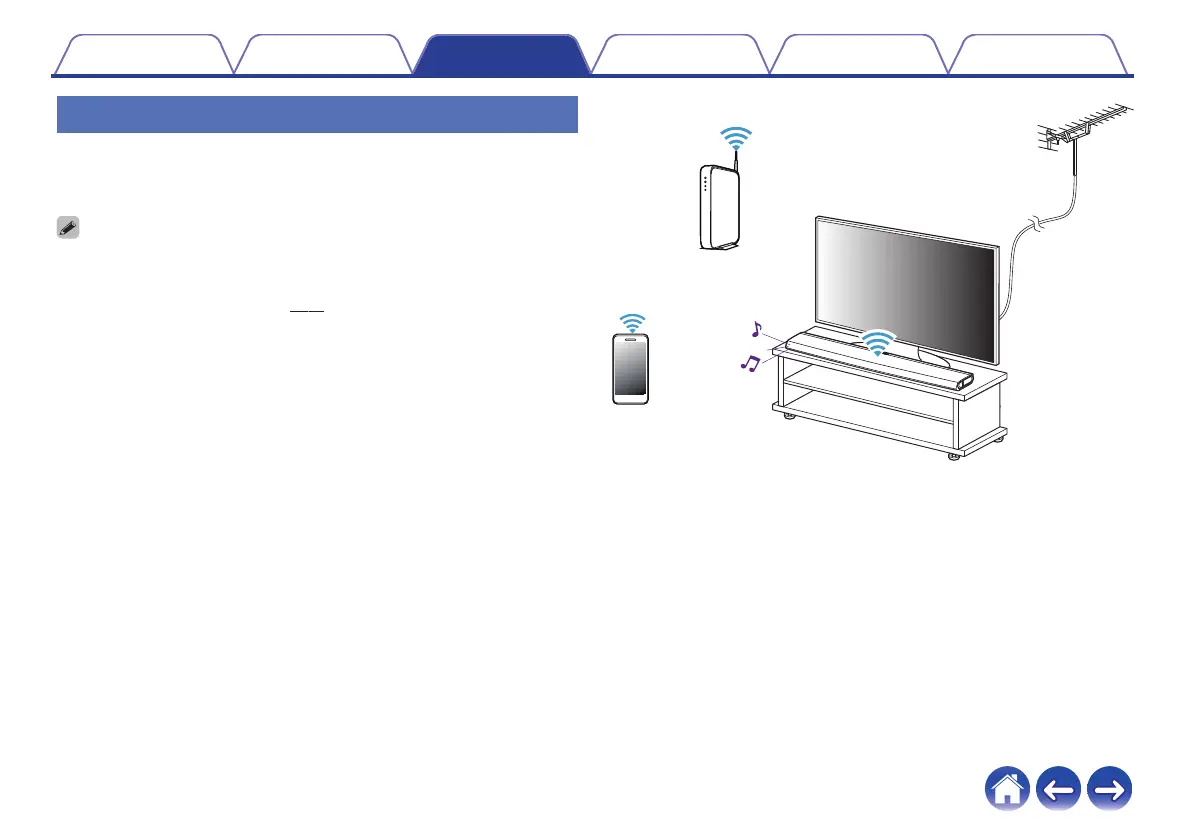
Watching TV
1
Turn on the TV.
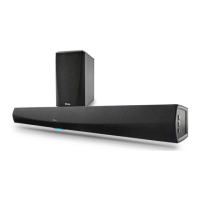
Automatically HEOS Bar changes the input to TV.
0
If you can not hear the audio on HEOS Bar, please tap the "Inputs" in Music tab,
then select the input which you want to enjoy.
0
To change the input automatically, you can set the default TV input in the setup
menu. “Adjusting the TV input” (v p. 57)
.
Contents
Setup Use Troubleshooting Status LED Appendix
45


 To Next Page