o
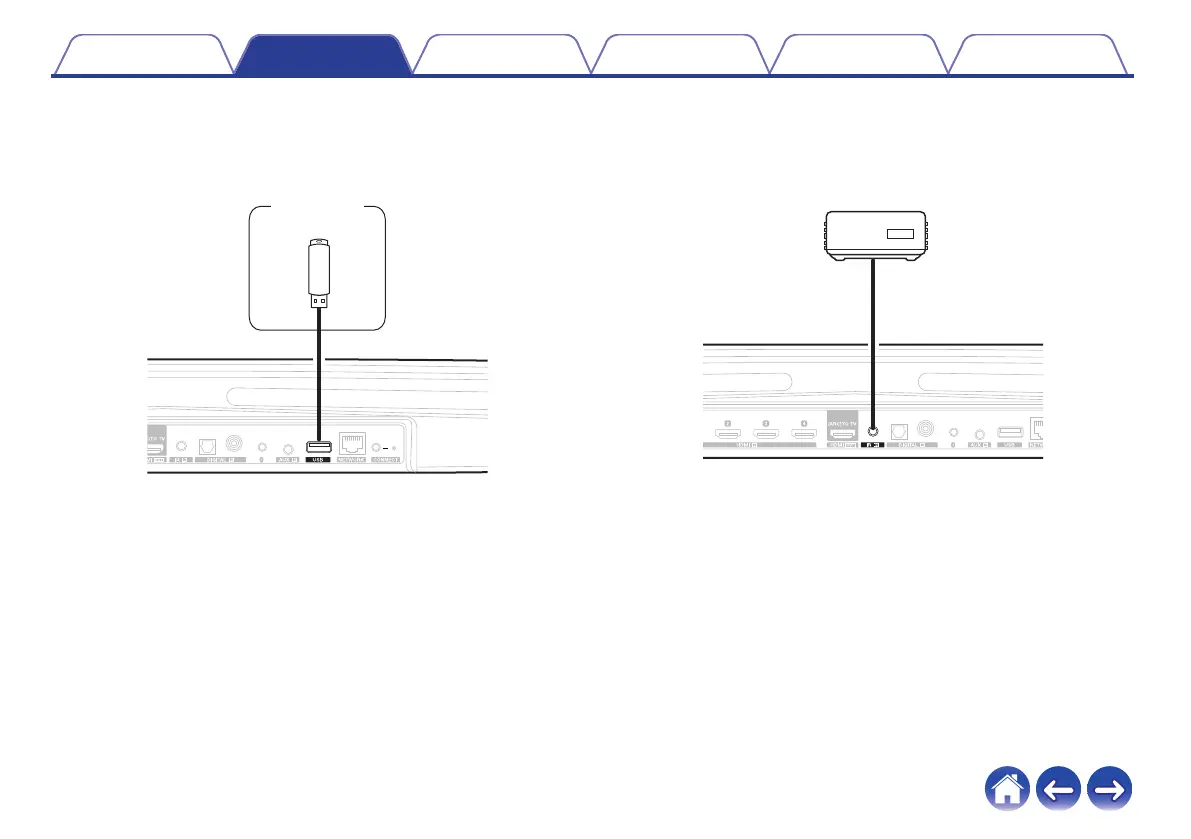
Connecting a USB storage device
Connect a FAT32 formatted USB storage device containing digital
music files to any available USB port.
.
o
IR repeater
It can still be controlled by the remote control by connecting a remote
control receiver unit (sold separately).
.
AUX
OUT
External IR
Remote Sensor
Contents
Setup Use Troubleshooting Status LED Appendix
31


 To Next Page