o
Playing HDMI (without ARC) - Better choice
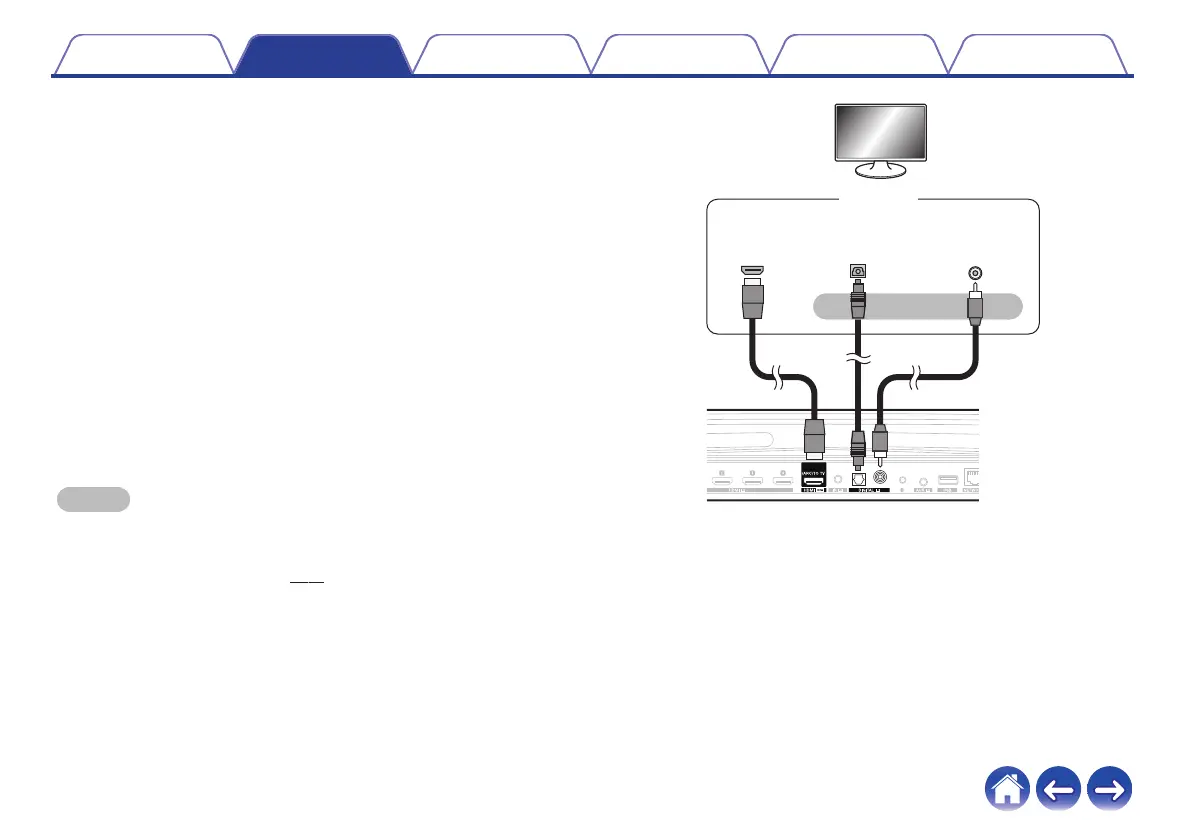
Connect to a TV that is not compatible with the ARC (Audio Return
Channel) function using the HDMI cable and audio input cable.
1
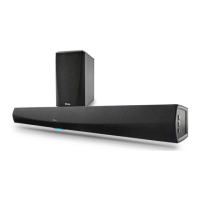
Connect your TV with an HDMI connector to HDMI OUT
(ARC) connector on your HEOS Bar using the included
HDMI cable.
2
Connect your TV to your HEOS Bar using either an
included optical cable or a coaxial cable (not included).
3
Select “TV” from the music tab.
4
Select the name of the HEOS Bar to which you
connected the TV in step 1 and 2.
5
The sound from your TV can be played directly on the
HEOS Bar.
NOTE
0
The TV audio cannot be played back on this unit when it is only connected with the
HDMI cable.
0
To change the input automatically, you can set the default TV input in the setup
menu. “Adjusting the TV input” (v p. 57)
.
HDMI INPUT
(ARC)
or
TV
DIGITAL AUDIO
COAXIAL OUTPUT
DIGITAL AUDIO
OPTICAL OUTPUT
Contents
Setup Use Troubleshooting Status LED Appendix
29


 To Next Page