Pairing a HEOS Subwoofer and
Surrounds
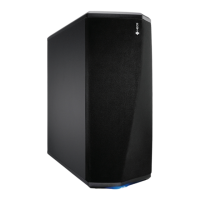
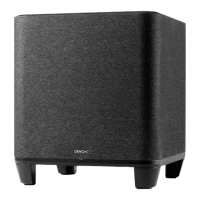
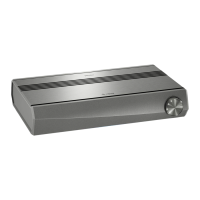
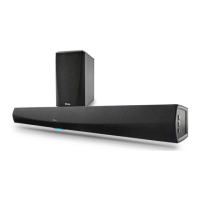
HEOS Bar can be used as a multi-channel system by pairing with HEOS
speakers or a HEOS Subwoofer.
1
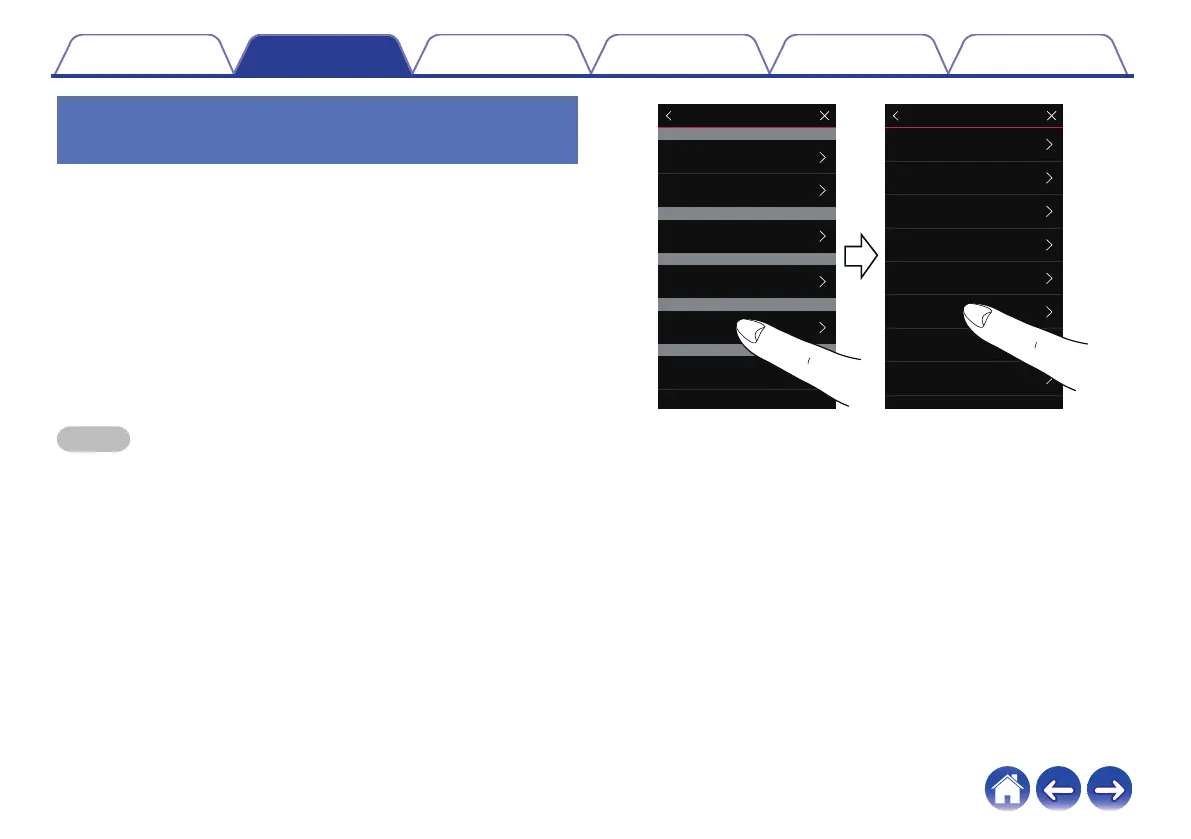
Select the Settings a icon located in the upper left
corner of the main “Music” menu to display the
Settings menu.
2
Select "HEOS Bar" from "My Devices".
3
Launch Setup Assistant.
Setup assistant guides the HEOS Bar to pair
NOTE
0
A HEOS Subwoofer and surround speakers need to connect your wireless
network before pairing.
.
HEOS 3 Left
HEOS 3 Right
HEOS Link
HEOS AVR
HEOS Bar
HEOS Subwoofer
Speakers
Links
AVRs
Soundbars
Subwoofers
My Devices
HEOS Bar
xxxxxxxx
Normal
On Table
Name
Network
EQ
Quality
Status Light
Setup Assistant
Placement
TV Input
HEOS Bar
Contents
Setup Use Troubleshooting Status LED Appendix
32


 To Next Page