16
Planning for Field Installation
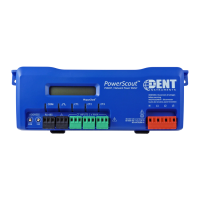
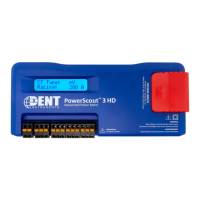
PowerScout HD
Meter Configuration Overview
Work performed ahead of the installation saves time in the field and results in fewer
mistakes!
Tools Typical Work
• Desktop or Laptop PC
• Appropriate USB Cable (preferred) or
Ethernet & USB wall charger (> 500 mA)
• Thumb Drive (ViewPoint HD Installer) or
access to
• Electrical Schematics of project
• Installation of ViewPoint HD Software
• Connect USB/Ethernet cable from PC to
meter
• Establish communication with meter
• Firmware update (if desired)
• Configure software for anticipated meter
setup
• Field wiring documentation
• Set alarms
• Set security PINs
Meter Installation Overview
Performed by licensed electrician.
Tools Typical Work
• Mounting hardware (user supplied)
• Wiring & supplies, labels, wire ties
• Tablet, Smart Device, or
Laptop PC
• Multi Meter, Current Clamp
• Camera
• Mechanical mounting
• Electrical installation
• Install voltage cover
• Apply power to meter
• Confirm basic operation of meter
w ww. . com
information@itm.com1.800.561.8187


 To Next Page