92
PowerScout HD
Appendix E
TROUBLESHOOTING
You will need to have administrative privileges on your PC to properly install the software. This ensures
that Windows permissions are in place to allow the software to access or create required directories.
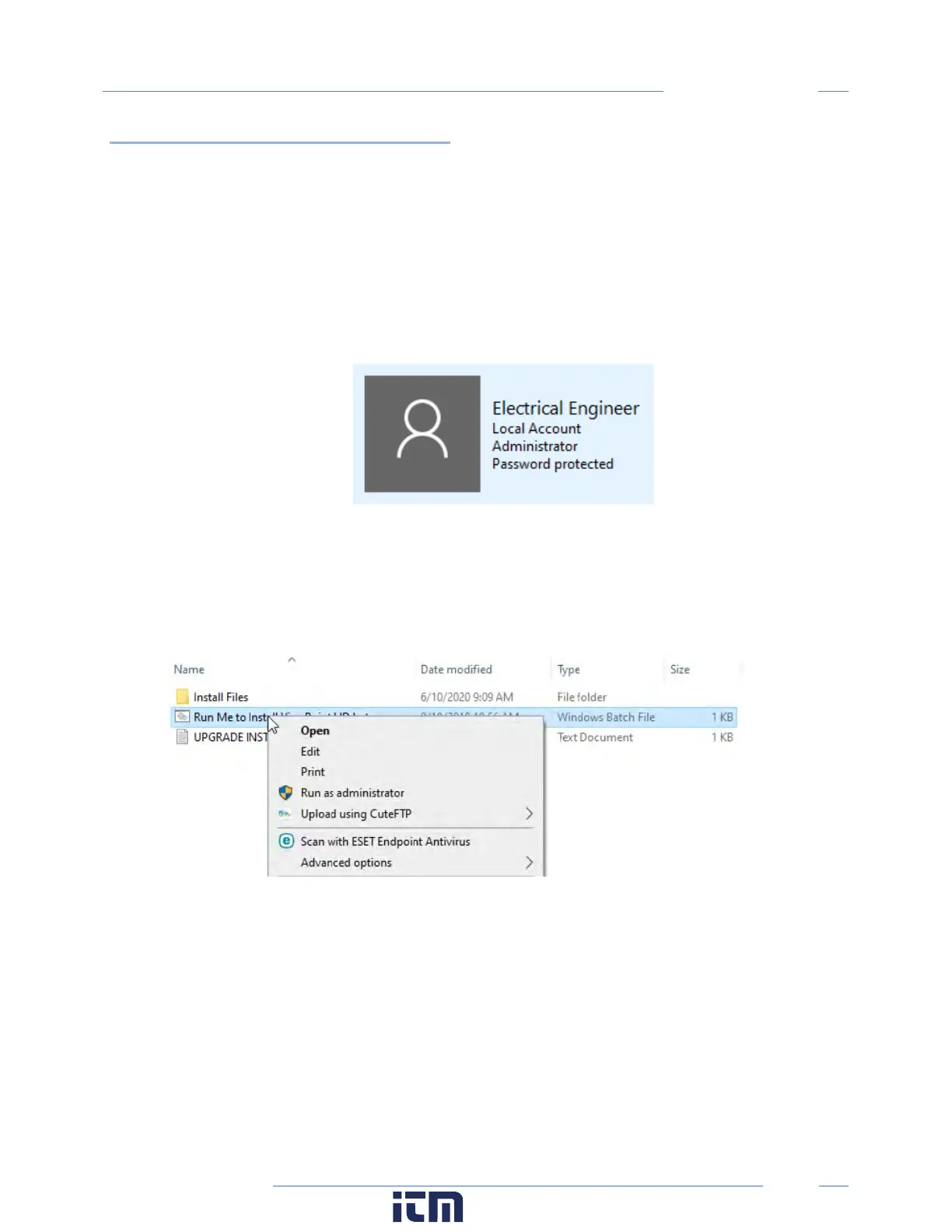
1. Checking for User Account Permissions
a. Access the Control Panel on your computer
b. Click on User Accounts
c. Confirm Permission
i. User types are Administrator, Standard, and Guest
2. Install as Administrator
If your user profile is not listed as an Administrator, some installations allow a temporary
permission as follows:
a. Right-click on the “Run Me to Install ViewPoint HD.bat” and select “Run as
administrator”
w ww. . com
information@itm.com1.800.561.8187



 To Next Page