41
PowerScout HD
Meter Installation
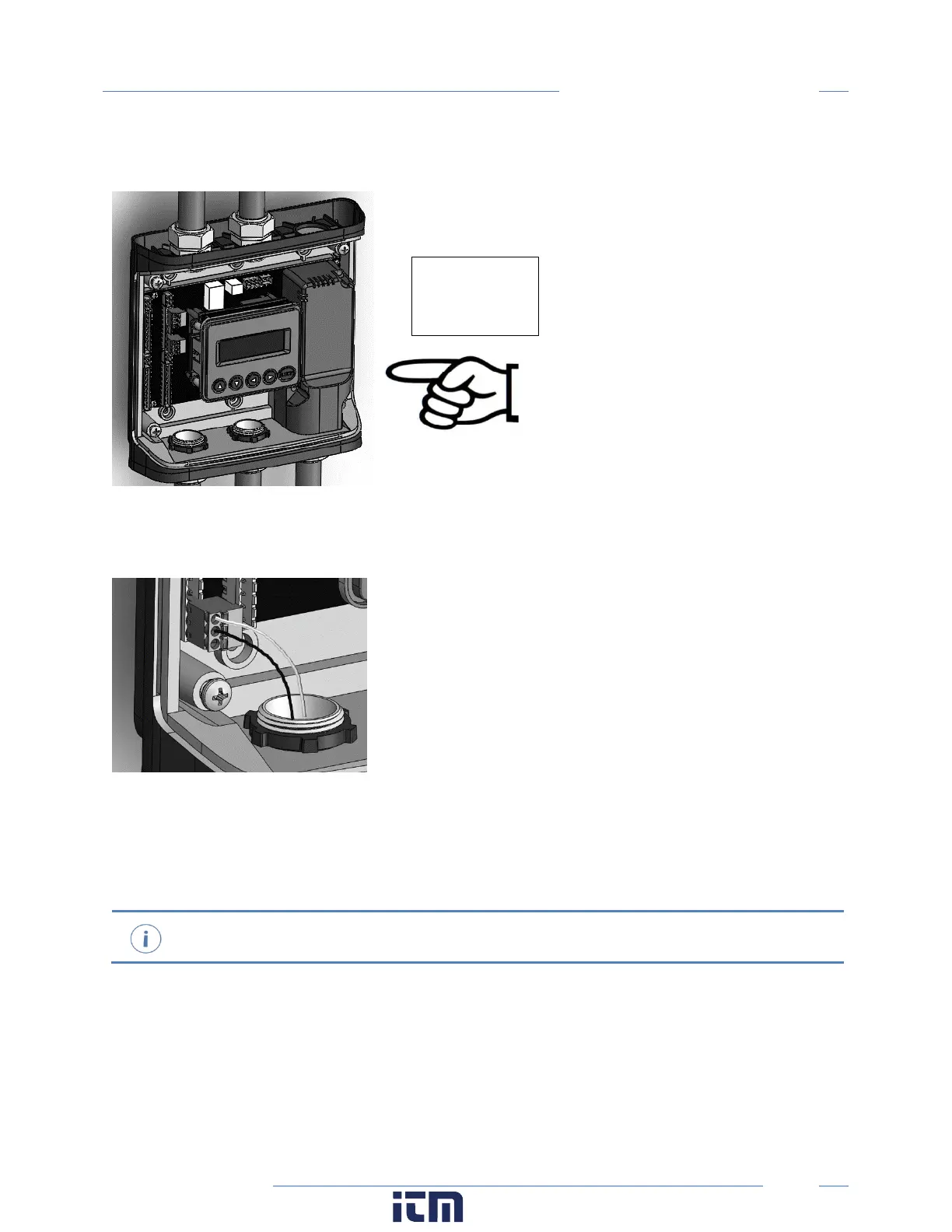
STEP 5) Attach the TouchSāf™ high voltage cover
STEP 6) Connect CT and Communications Wiring
CONNECTING VOLTAGE
Connect the voltage leads (L1, L2, L3, and N, as necessary) to the meter through a dedicated disconnect
or circuit breaker. A voltage lead of 14 AWG THHN Minimum 600VAC rating (or equivalent) is required.
Verify the circuit breaker is marked as the disconnect breaker for the meter.
TOUCH SAFE (with internal high voltage cover installed)
w ww. . com
information@itm.com1.800.561.8187



 To Next Page