89
PowerScout HD
Appendix E
SOFTWARE UPDATE: For Users with
ViewPoint HD Software Already Installed
Installing ViewPoint HD “over the top” of an existing Viewer may not replace all the support files with
the current version. Therefore, additional steps must be taken prior to attempting to install an updated
version of ViewPoint HD.
Before running the installer, take the following steps:
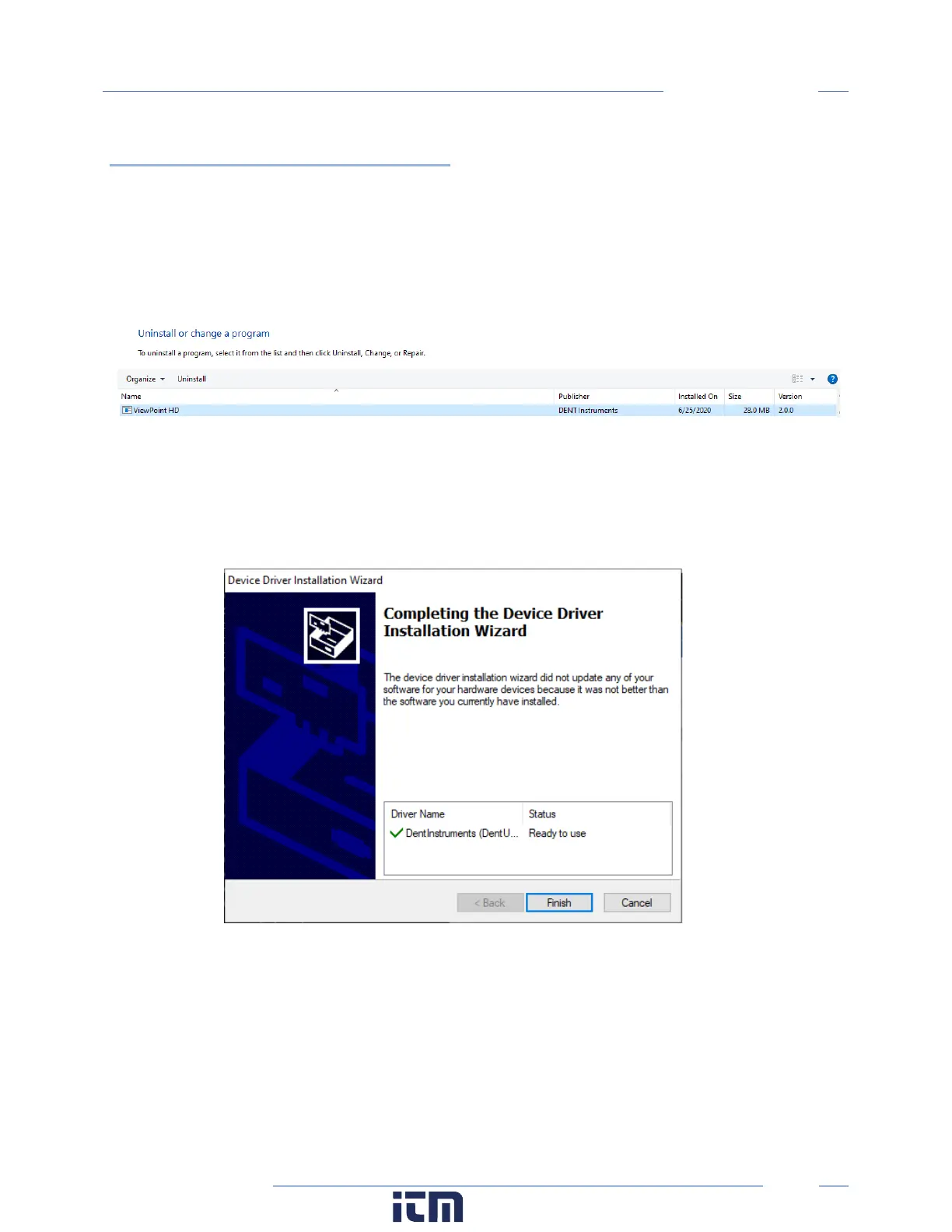
1. Locate the ViewPoint HD application within Windows “Program and Features”
a. Right-click on the program in the Windows Start Menu and select “Uninstall”
2. Delete the ViewPoint HD folder from the C:\ drive
3. Proceed with the steps listed under NEW INSTALLATIONS.
a. Your installation will skip the installation of drivers and instead show this window:
b. ViewPoint HD will auto-launch if the installation is successful.
w ww. . com
information@itm.com1.800.561.8187



 To Next Page