90
PowerScout HD
Appendix E
CUSTOM INSTALLATION: For Users Who
Cannot Use the BATCH File
If your computer requires installations within the C:\Program Files (x86) folder structure, or other
designated drives, the installation can be performed using the Windows Tools. The user will need to
install the required drivers as a separate process.
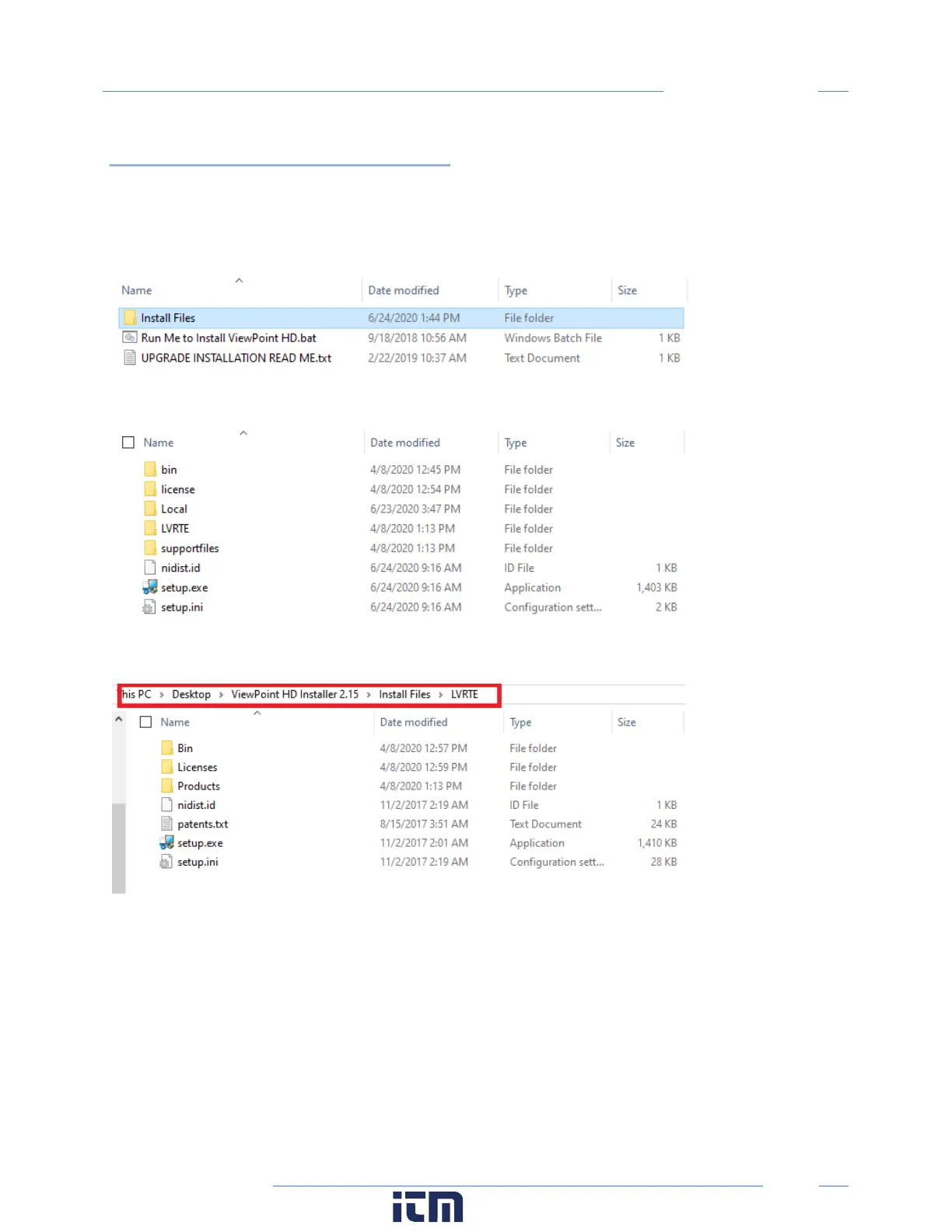
Within the ViewPoint HD Installer Directory, there is a folder alongside the batch file.
The contents of this folder contain supporting documents.
Install the LabVIEW Run Time Engine first using setup.exe in the LVRTE folder shown below:
Then install the Viewer application software by running the setup.exe from the location shown below:
w ww. . com
information@itm.com1.800.561.8187



 To Next Page