47
PowerScout HD
Meter Installation
Current Transformer Basics
Ensure CTs meet the following criteria:
600 VAC UL Rated
333.3mV output voltage
Appropriate range for the circuit (5-120% of CT Rating
Recommended)
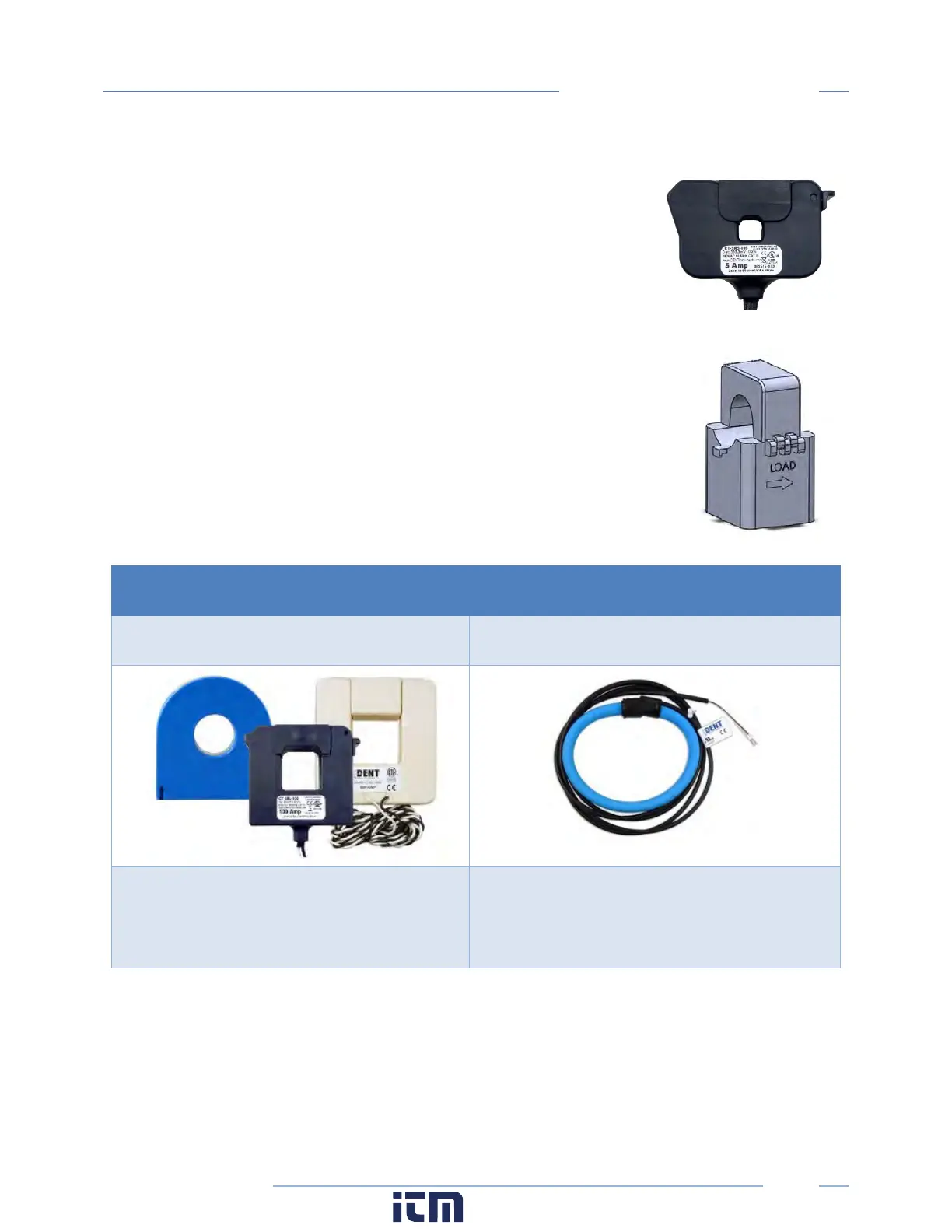
Ensure CT orientation & placement:
Arrow points toward load (or as instructed by CT label)
Arrow points away from Panel (or as instructed by CT label)
Placed on First Conductor of voltage Reference (L1-L2) circuits are
placed on L1
Observe wiring color and polarity
On RōCoils, use the Shield wire (connect to PCB terminal marked S)
Wiring Guide for CT Types
Split, Hinged, & Solid Core CTs
RōCoil CTs
White: Positive
Black: Negative
(no shield)
White: Positive
Bare Wire: Shield
w ww. . com
information@itm.com1.800.561.8187



 To Next Page