26
PowerScout HD
Meter Configuration
VIEWPOINT HD DOCUMENTATION
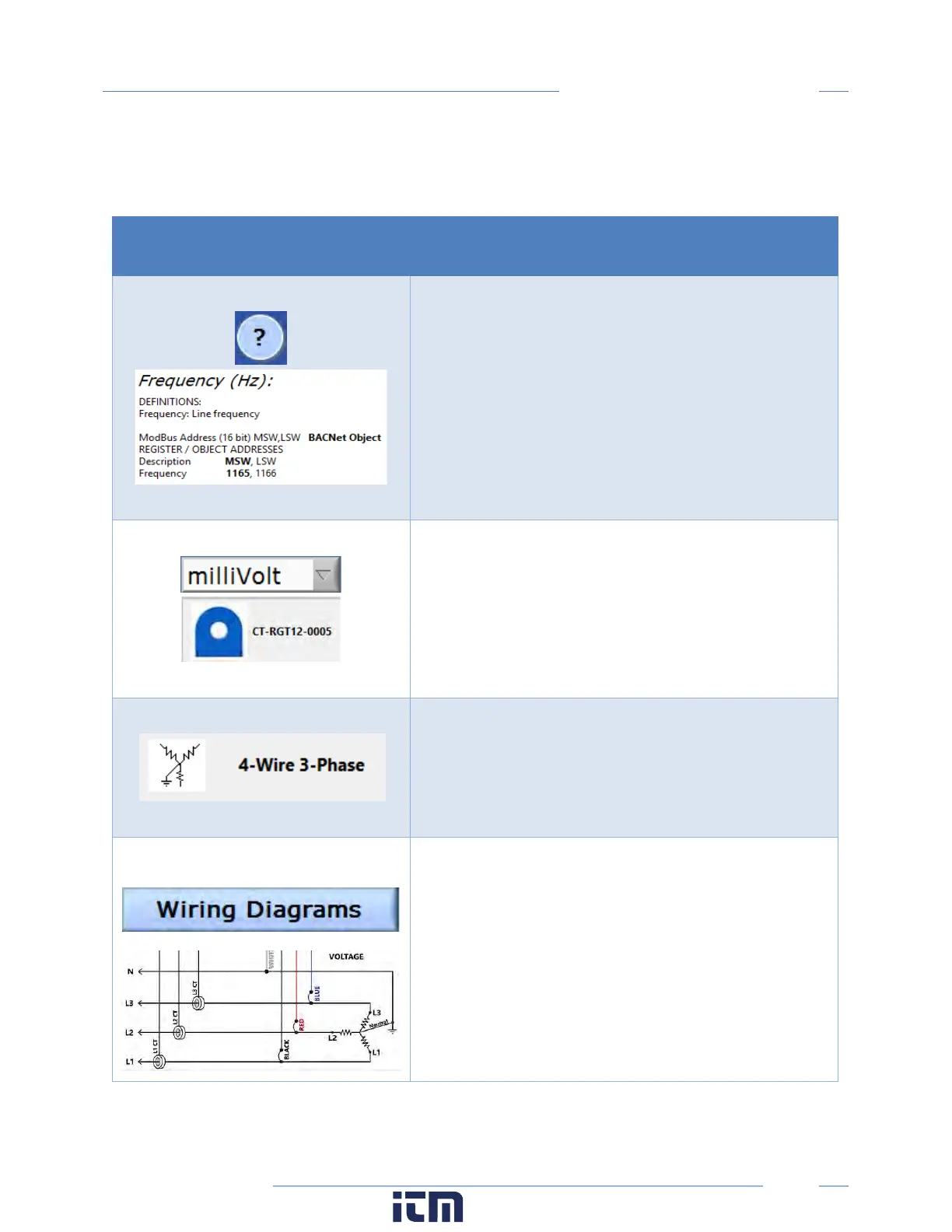
ViewPoint HD includes context help and other user-guiding features (shown below) to facilitate rapid
and accurate configuration.
Help Aids
Information
This button toggles the Context Help pop-
which displays the technical and register description of any
screen object you hover over with the mouse. Example
shown for Frequency.
CT Type
Current Transformer models are
drop-down list and are identified by a combination of CT
image and amperage range. The parameters f
selected CT are automatically populated. This information
can be edited for custom use.
Service Type
Select a service type from the drop-down list. A selection
populates the fields with pre-con
information. User-selectable fields are shown in white.
Greyed out fields indicate restrictions imposed by the
meter.
Wiring Diagrams
Diagrams of different wiring configurations
illustrated here, are available directly within the software
for quick reference.
w ww. . com
information@itm.com1.800.561.8187



 To Next Page