1
04
Other Communication Failures
(RS-485 only)
The following items can also cause a communication failure.
Check for wiring and cabling issues with the RS-485 adapter. Check for polarity, frayed wires,
and/or pinched insulation.
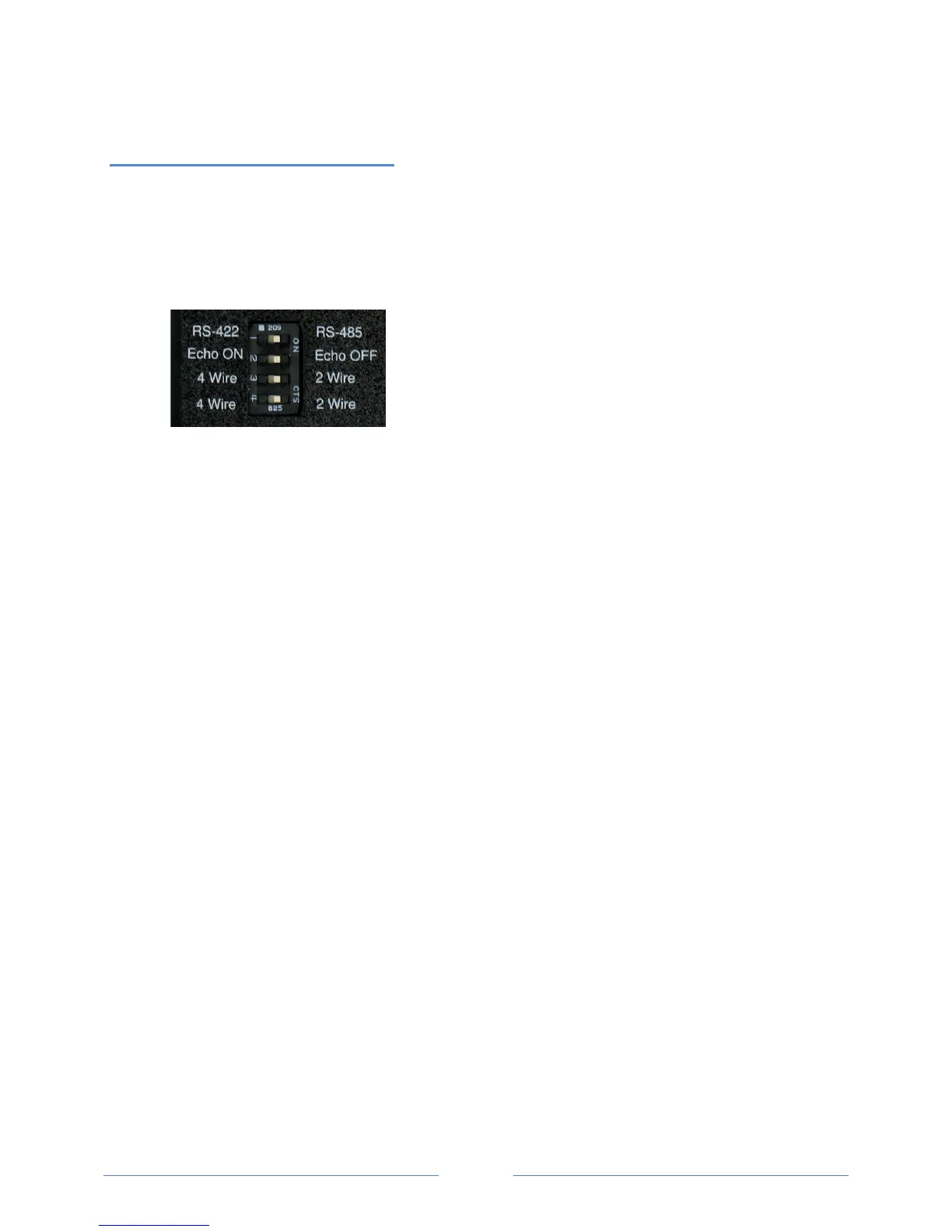
Verify that the dip switches on the back of the USB to RS-485 adapter are set to the following:
R
eboot the computer. Click Connect on the Communications tab to reestablish communications.
www.GlobalTestSupply.com
Find Quality Products Online at: sales@GlobalTestSupply.com



 To Next Page