35
Changing the PowerScout from
Modbus to BACnet mode:
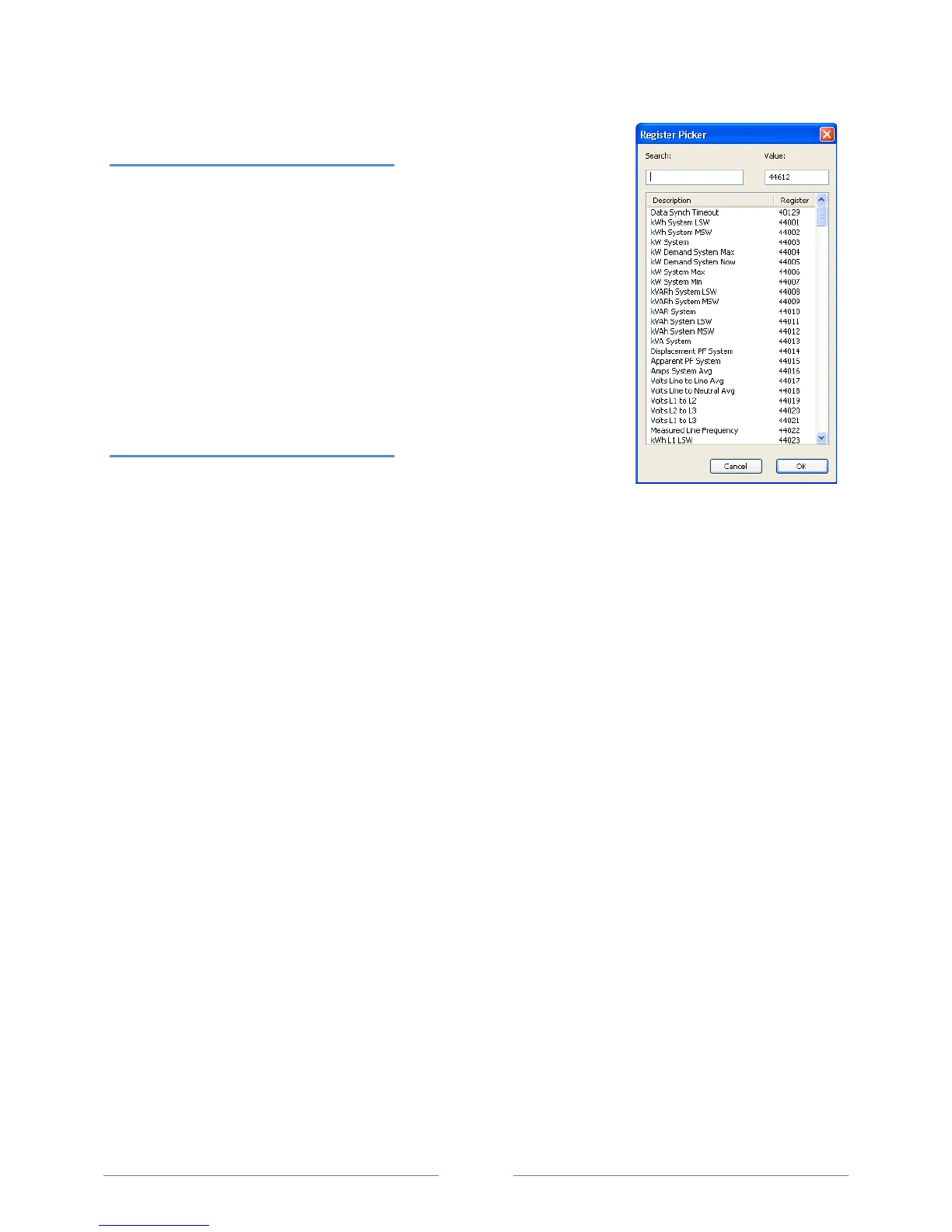
1) Connect to the PowerScout using ViewPoint.
2) Go to the Read/Write Registers tab in ViewPoint.
3) Enter 44612 into the Register field or click List to select from th
e
R
egister Picker List.
4) In the Value field, enter 1833 to change to BACnet mode.
5) Click OK.
The status should say “Writing Value…”
Return to the Communications tab and connect.
Changing the PowerScout from
BACnet to Modbus mode:
1) Connect to the PowerScout using ViewPoint.
2) Go to the Read/Set Objects tab in ViewPoint.
3) Enter 10190 into the Object field or click List to select from the Object Picker List.
4) In the Value field, enter 375 to change to Modbus mode.
5) Click OK.
The status should say “Writing Value…”
Return to the Communications tab and connect.
www.GlobalTestSupply.com
Find Quality Products Online at: sales@GlobalTestSupply.com



 To Next Page