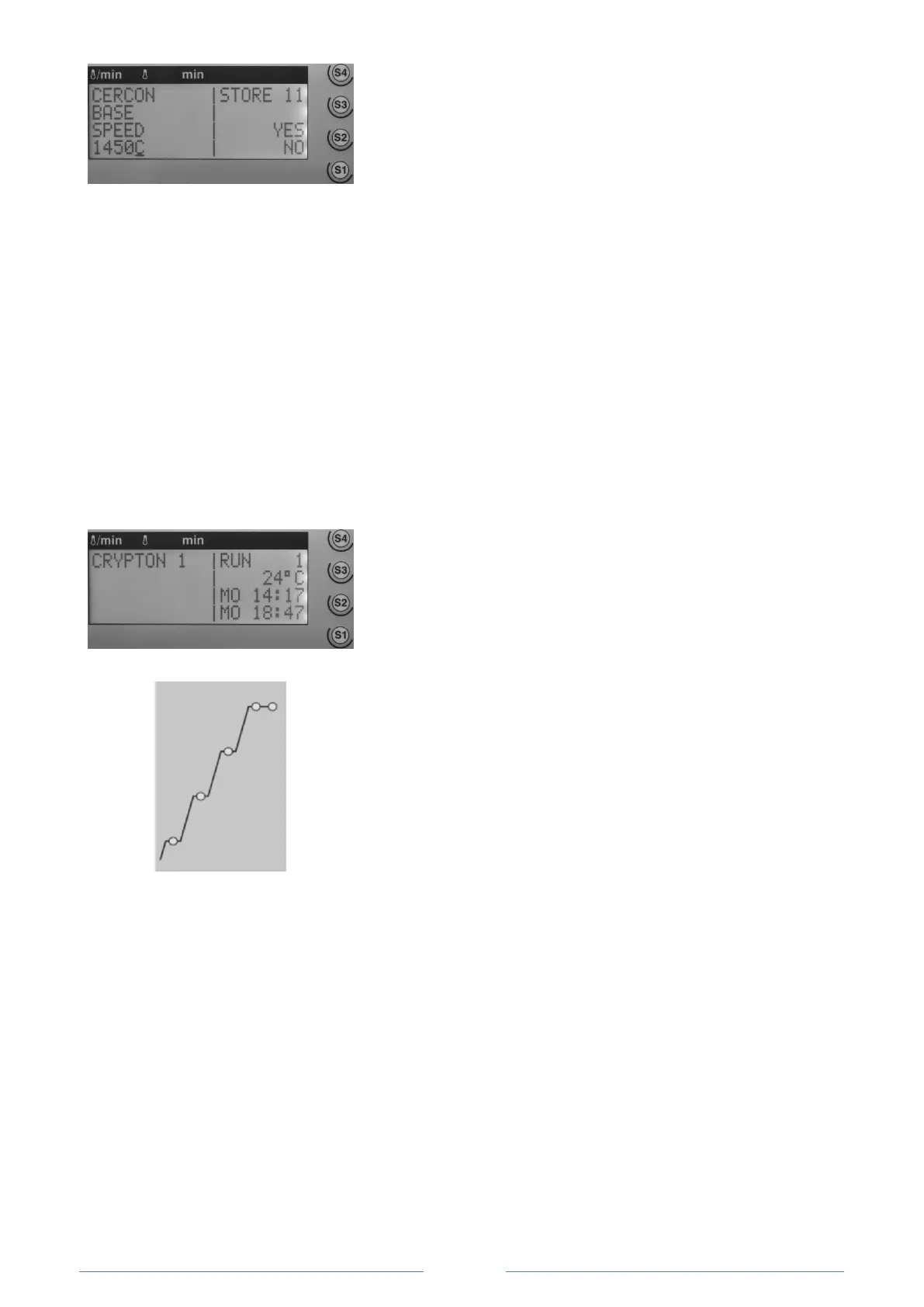
Fig. 32: Entering a comment.
1. Press the Save button.
The display shows the save dialogue.
2. Press the F button several times.
The letters A, B will appear next to the cursor one after
one. Once the letter Z has been reached, the next letter
that appears will be the letter A again. Press a numeric key
to enter a number.
3. Press the S4 button to select the desire letters. The cursor
will automatically move to the next position.
4. Repeat the letter and number selection process until the
desired comment has been created
(for example “CERCON BASE SPEED 1450 °C”).
5. Press the S3 button for line break.
6. Save the heating program as described above,
7.9 Starting and stopping a heating program
To start a loaded program, proceed as follows:
Fig. 33: Heating sequence table.
1. To start the heating program, press the Start/Stop button.
The status display will change from “READY” to “RUN”.
Fig. 35: Graphic display.
The flashing and lit LED in the graphic display additionally visualize
the heating process:
LED flashing: Heating in progress
LED lit: Temperature reached
2. To stop the heating program, press the Start/Stop button
again. The status display will change from “RUN” to “READY”.
Pressing the Start/Stop button again will restart the heating
program.














 To Next Page