48
LiNX Plus Advanced Settings
If Designability or your Wizzybug provider has adapted your LiNX
Plus with advanced settings, it may work in a different way.
As described on page 40, pressing button I will still cycle through
four speed ranges. Holding button I for several seconds will still
choose joystick control or inputs control.
However, button II will no longer sound the horn (as described on
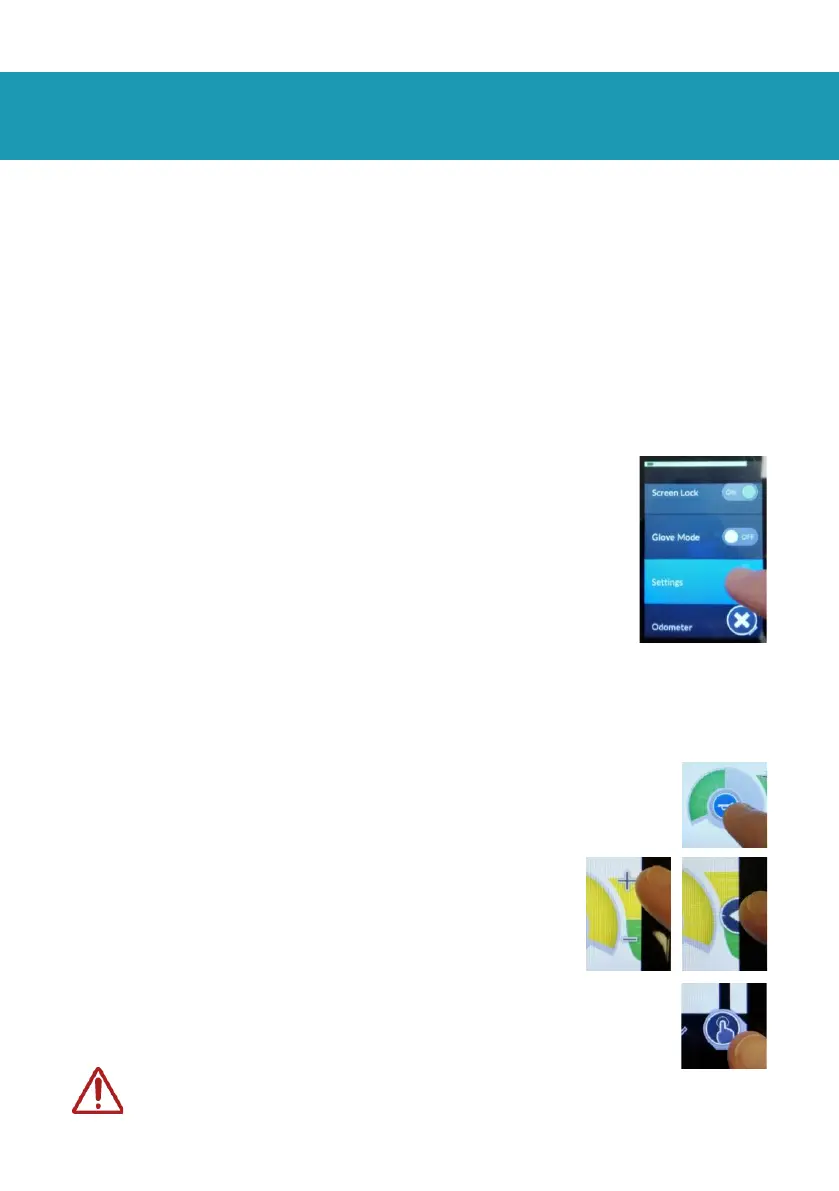
page 44). Instead, holding button II for several seconds will access
the settings menu. From the settings menu, you can:
• Unlock and lock the touchscreen.
• Enable/disable glove mode, changing the
touchscreen sensitivity for gloved hands.
• Change display settings; brightness,
language, units, speedo/odo (speed/distance
indicator) on/off/reset.
• Change touch settings; tap-only (replaces
swipe control), tap-zone sensitivity, left-hand
mode (positions some controls on other side
of the screen).
With the touchscreen unlocked, you or your child can:
• Sound the horn using the button in the middle of
the screen.
• Change the speed range using the
slider (swipe control) or the +/- (tap-
only mode).
• Change the speed range (left/right) and
control type (up/down) using the button
in the bottom corner. Directly swiping the screen
(in swipe control) also changes these.
Your child may be able to accidentally change
the speed range when the screen is unlocked.


 To Next Page