ElectroVap MC
ELMC commissioning
Software assistant
34
Checking and Switching on
.
1 - After completion of the installation inspection,
switch on the water supply to the unit.
2 - Switch on the main power supply.
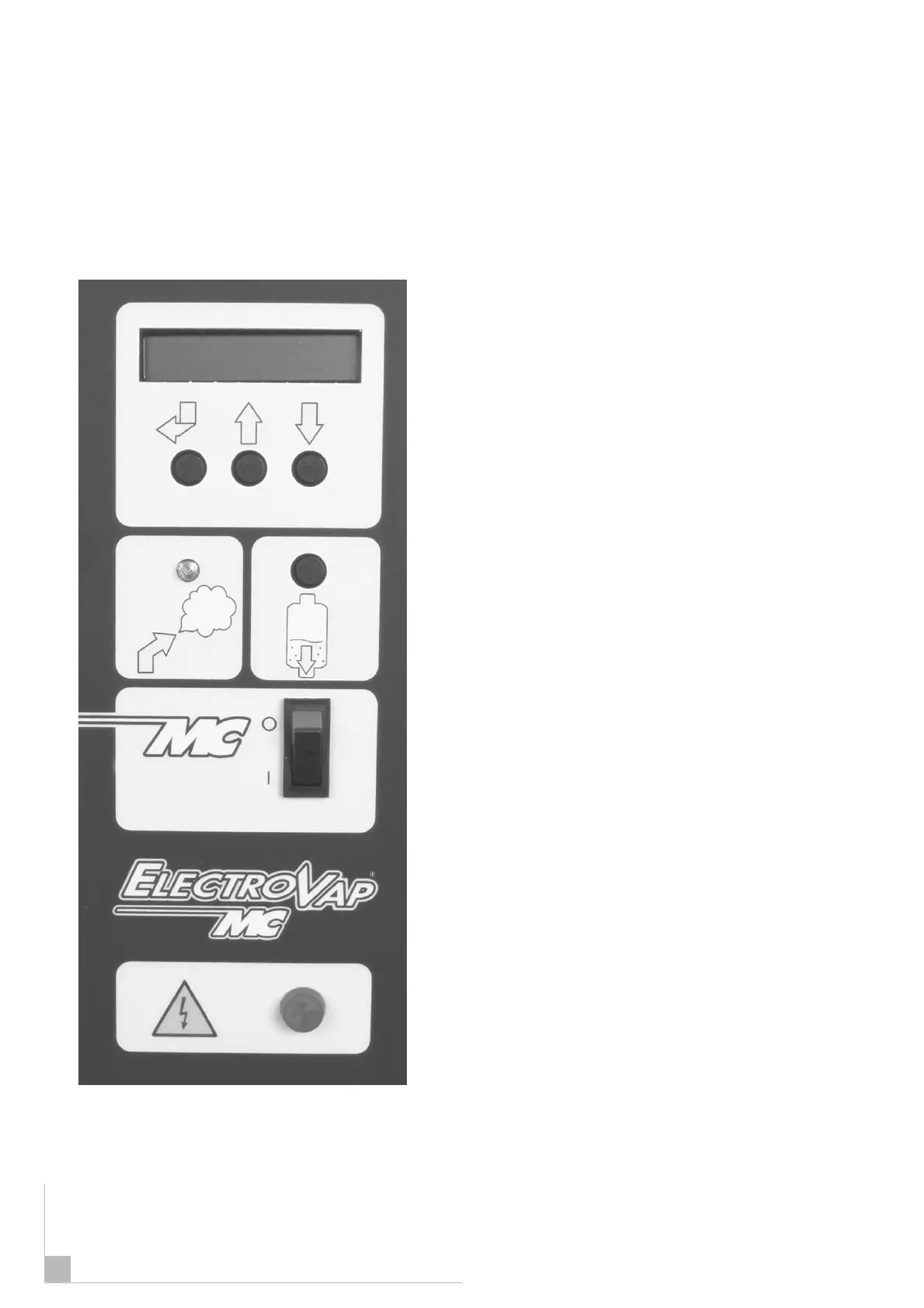
3 - The power lamp must be illuminated.
4 - Switch on the main power supply I/0 on I.
The display will default to show the rate of steam
produced.
The ELMC unit offers 3 main menus:
USER INFORMATION
The User Information menu (Humidifier Status)
provides information on the operation status of
the unit. No parameter can be changed from
within this menu.
HUMIDIFIER CONDITION
(Humidifier Configuration) menu provides
information only regarding the unit set up. No
parameters can be changed from within this
menu.
CHANGING PARAMETER
The changing parameter System menu
allows all operating parameters to be
adjusted. An access code is required to gain
entry (2 3 4).
35


 To Next Page