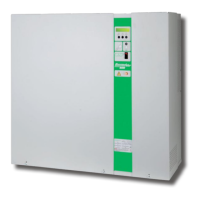
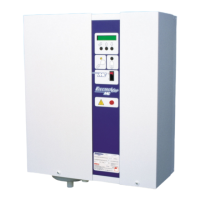
ElectroVap MC
Menu configuration changing
Software assistant
35
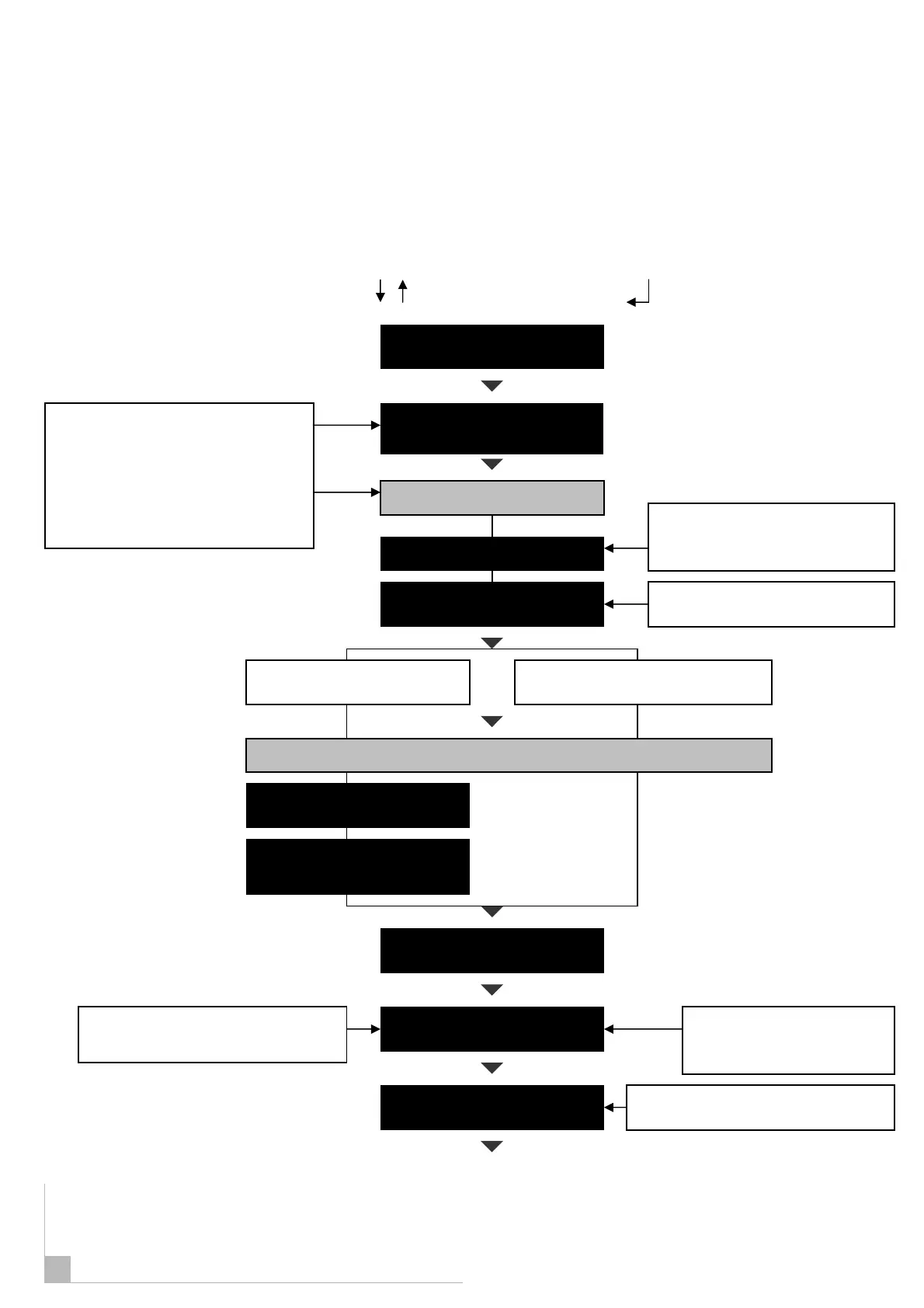
With the humidifier switched on, press the
key until the Change System Parameters
menu is displayed. Press thekey and the
first digit will flash. Using the and key
enter the first digit of the access code and
press to confirm, The next digit will start to
flash. Repeat for a second and third digit of
the access code.
Access Code = 234
This allows to restrict the steam
production capacit
This allows to set the quality
of steam estimated before
maintenance of the cylinder
This allows to set the time estimated
before cylinder maintenance.
This enables to set the time of a small
drain at each time the unit takes water
, press the select button
Scroll the menu up or down by pushing on keys
Menu : CHANGING UNIT
CONFIGURATION
DIAL ACCESS CODE
XXX
Enter your access code
STEAM CAPACITY LIMIT
Alpha digital status
ADJUST SET POINT
ADJUST PROP BAND
%
If proportional control
incorporated + senso
r
If ON/OFF, stepped or external
proportional control is used.
MAINTENANCE FREQUENCY
KG/S
MAINTENANCE INTERVAL
FOAM /SCALE CONTROL
CONTROL SIGNAL IN
Unit supplied in ON/OFF control –
An upgrading kit to proportional
control is also available.
39


 To Next Page