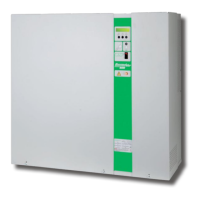
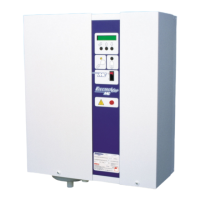
ElectroVap MC
Menu user information
Software assistant
37
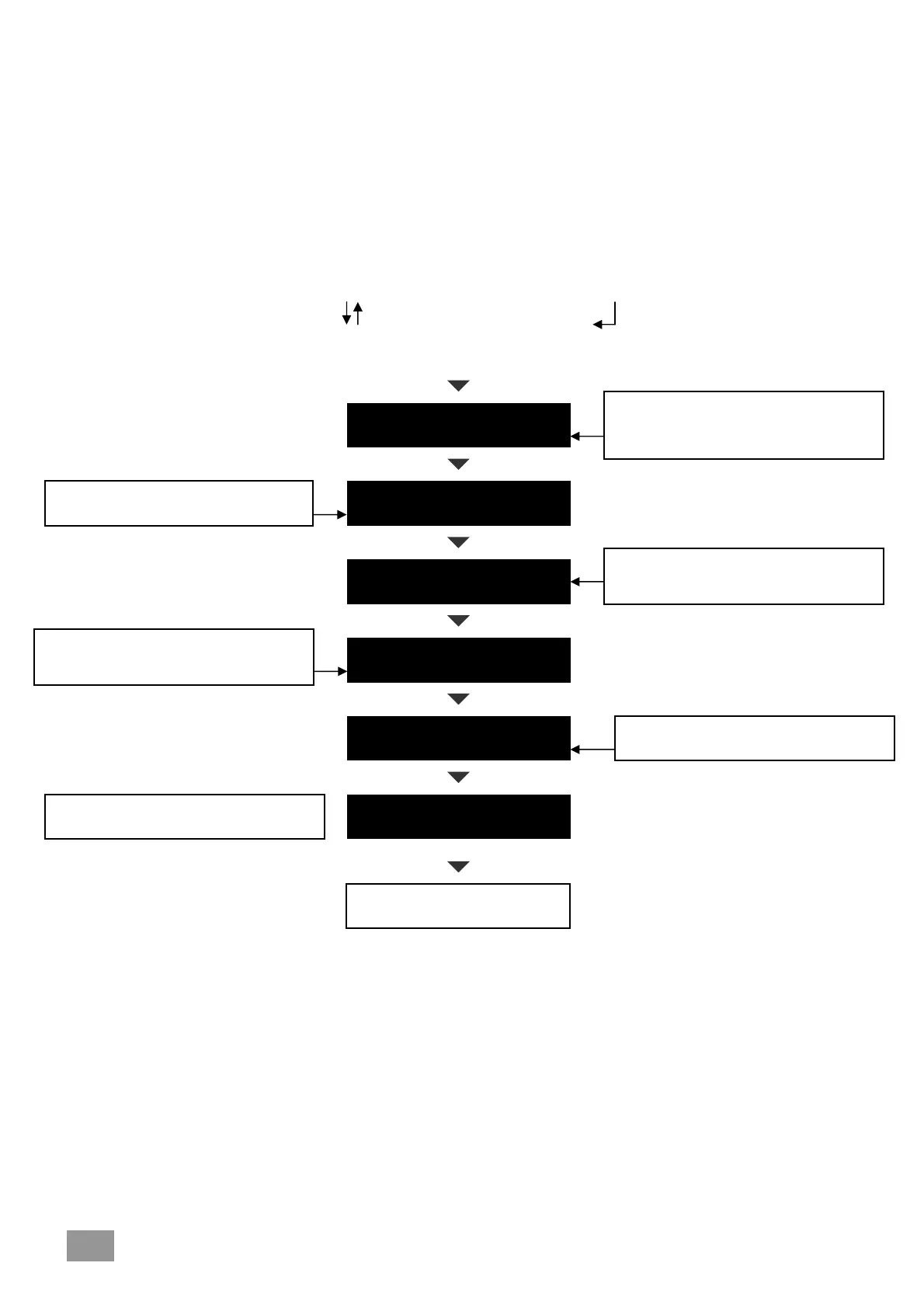
Roll up or down the menu in pushing on keys , press the select button to change menu.
This indicates the steam production
between the two maintenance periods
This indicates the steam production time
before maintenance – it allows to plan
the cleaning intervention
These indicate the time running period
between two maintenance periods
This indicates that the water is normally
concentrated or bein
concentrated
The counting up (Hr or Kg/St). To 0, the display indicates
“Maintenance: drain valve + Cylinder”.
The reset of the counting up is made by pushing on the drain buttom.
The time counter and steam can be reseted in pushing on drain
buttom following up to push on the changing program push buttom.
1
2
3
4
1-2
3-4
PRODUCT BEFORE
CLEAN KG
NEXT SERVICE DUE
H
HOUR METER
H
STEAM METER
KG
MINERAL
CONCENTRATION
ELECTRICAL POWER
KW
This shows the power consumed by the
ELMC in KW
Back to the first menu page
These indicate the number of kg
produced between two maintenance


 To Next Page