2-14 ineo 4050/4750
Operating the Touch Panel
2
2.4
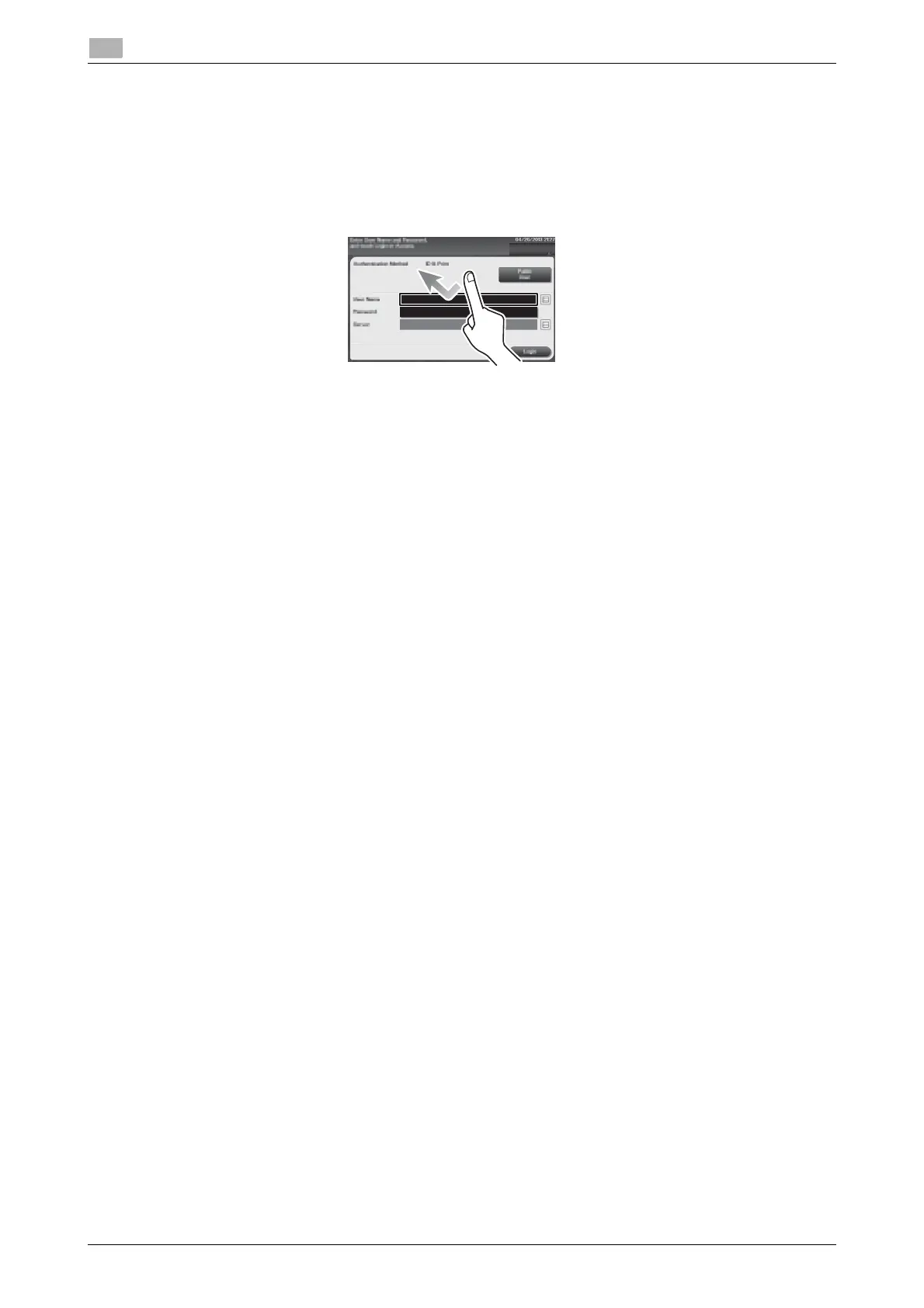
Switching to the entry or selection screen
Tap a target input area or icon to switch to the entry or selection screen.
Used to switch to the Select screen to enter text or select a registered item.
Precautions on using the Touch Panel
This machine features a capacitance-base touch panel. Note the following points when operating the Touch
Panel.
- Use your finger or the Stylus Pen. Note that the Touch Panel will not respond appropriately if you op-
erate it using your nail or a pen tip instead of your finger or the Stylus Pen.
- Applying a strong force to the Touch Panel will damage the Touch Panel, and potentially cause a
breakage.
- When operating the Touch Panel, do not press on it using excessive force or with a pointed object such
as a mechanical pencil.
- Be careful not to operate Touch Panel with wet fingers. It may cause Touch Panel to operate in unex-
pected ways.
- If you operate the Touch Panel with a gloved finger, the Touch Panel will not respond normally. You
should operate it with a bare finger or using the Stylus Pen.
- Note that the Touch Panel may not respond normally if the distance between the user and fluorescent
light is 19-11/16 inches (500 mm) or less when you operate the Touch Panel.
- You must not use the Touch Panel beside equipment that generates electrical noises such as an electric
generator or air conditioner. Otherwise a malfunction may be caused by an influence of electrical nois-
es.












 To Next Page