ineo 4050/4750 5-9
5.2 Using the scan function
5
5.2.2 How to send
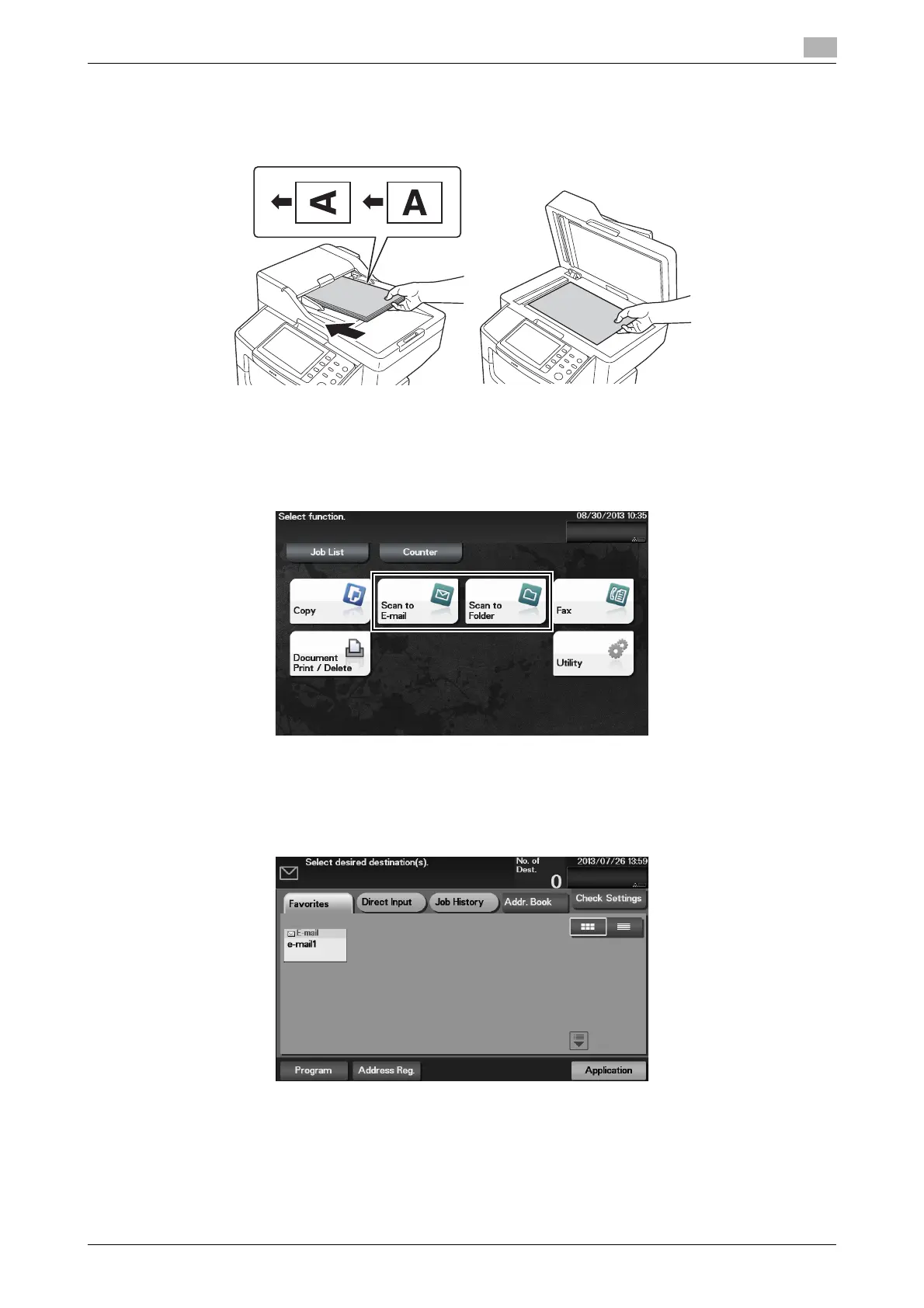
1 Load the original.
2 Tap the key of the desired function.
% To use Scan to E-mail, tap [Scan to E-mail].
% To use SMB Send, FTP Send, WebDAV Send, Save to HDD, Save to USB Memory, or WS Scan,
tap [Scan to Folder].
3 Specify the destination.
% You can select the desired destination from the pre-registered destination list, or directly enter des-
tination information. For details on how to register a destination, refer to page 5-20.
% You can specify multiple destinations.












 To Next Page