ineo 4050/4750 5-15
5.4 Using the copy function
5
5.4 Using the copy function
5.4.1 How to copy
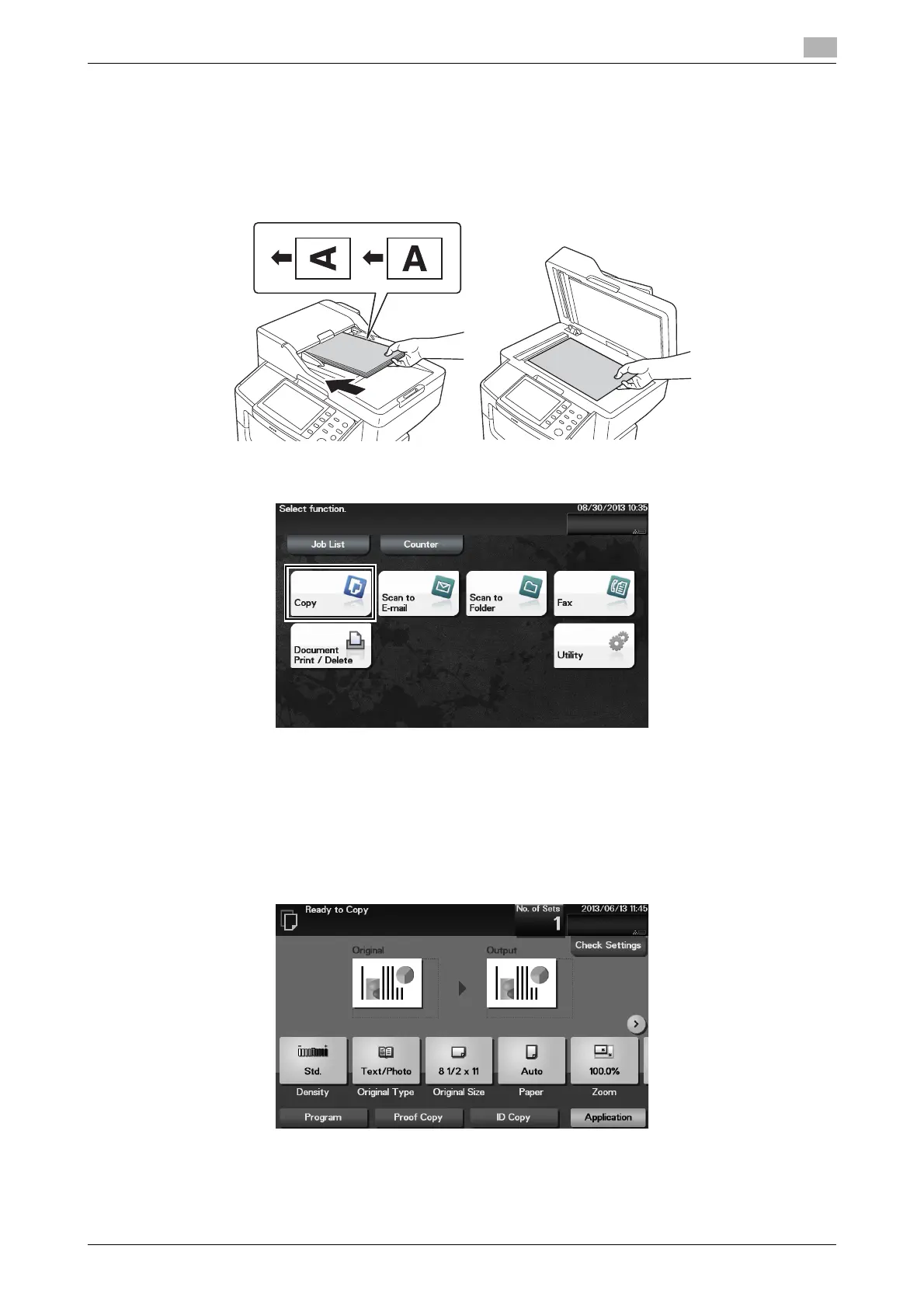
1 Load the original.
2 Tap [Copy].
3 If necessary, configure copy settings.
% Before scanning the original on this machine, you need to specify the size of the original to be
scanned. Before scanning the original, specify the original size in [Original Size]. If you fail to set the
original size correctly, the image may be cut off.
% For details on various copy settings, refer to page 5-17.
% The setting change is reflected on the image of [Output]. Therefore, you can configure the settings
while checking the output image.












 To Next Page