5-24 ineo 4050/4750
Registering a destination
5
5.6
Registering information on the main screen in Scan TX mode or Fax mode
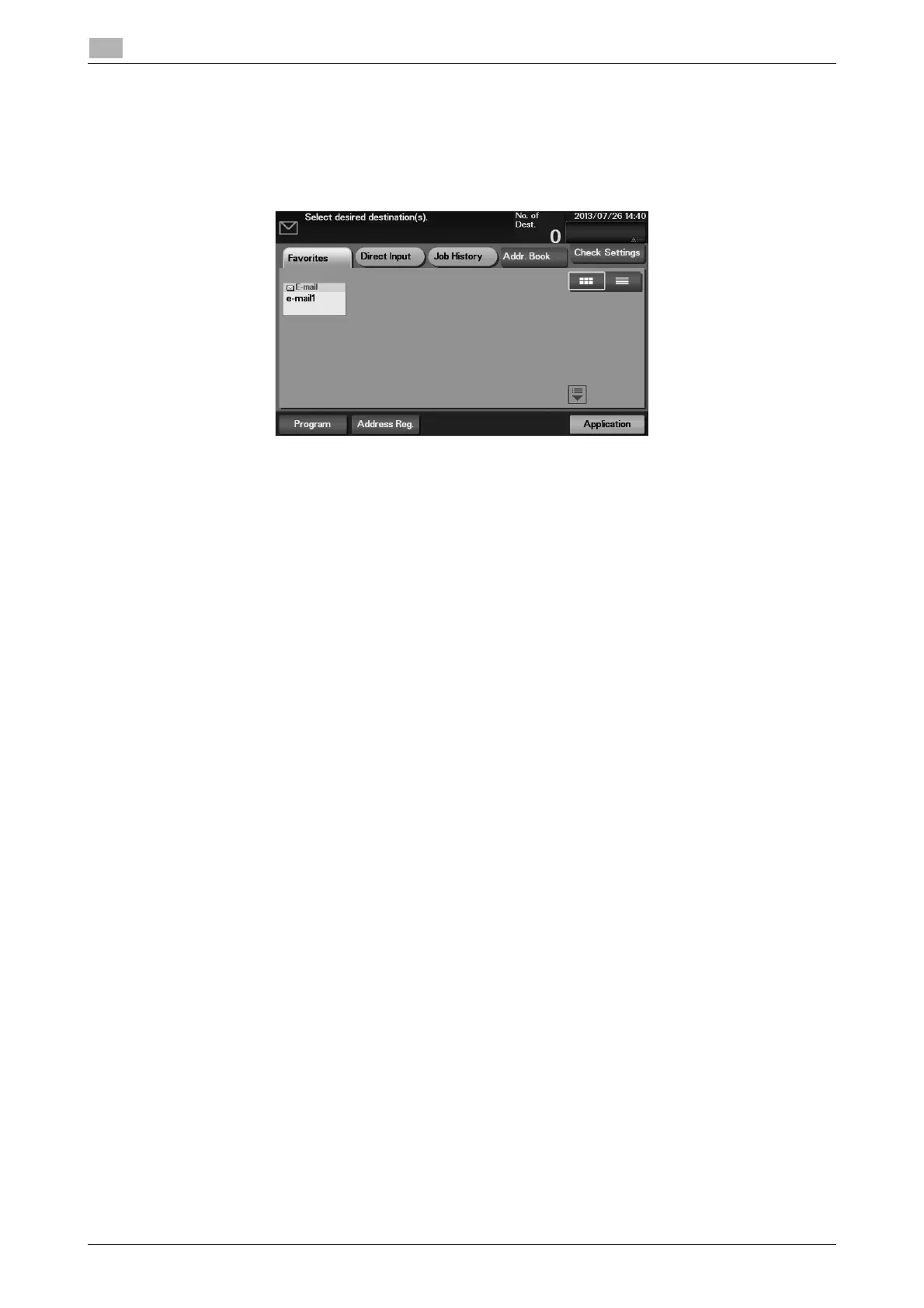
1 Depending on the type of destination you want to register, tap [Scan to E-mail], [Scan to Folder], or
[Fax].
2 Tap [Address Reg.].
3 Tap [Input New Address], then tap the type of the destination you want to register.
4 Enter destination information, then tap [Register].
% The registered information is the same as that to be registered from the Utility. For details, refer to
page 5-20.












 To Next Page