5-18 ineo 4050/4750
Printing a file stored on USB memory
5
5.5
5.5 Printing a file stored on USB memory
Supported USB memory devices
USB memory devices that have the following specifications can be connected to this machine.
Note the following points when connecting a USB memory device to this machine.
- Use the USB connector on the front of the machine that is near the Control Panel.
- Do not disconnect the USB memory device while saving a file to the USB memory or printing a file in
the USB memory.
- Do not use any other USB devices (such as a hard disk) except a USB memory device or USB hub.
- Do not connect or disconnect the USB memory device when the hourglass is displayed in the Control
Panel while this machine is active.
- Do not disconnect the USB memory device directly after connecting it.
- When a USB memory device is installed, do not change the angle of the Control Panel. Depending on
the size or shape of the USB memory device, it may contact with the Control Panel and damage to the
USB device may result.
How to print
1 Connect a USB memory device to the USB port of this machine.
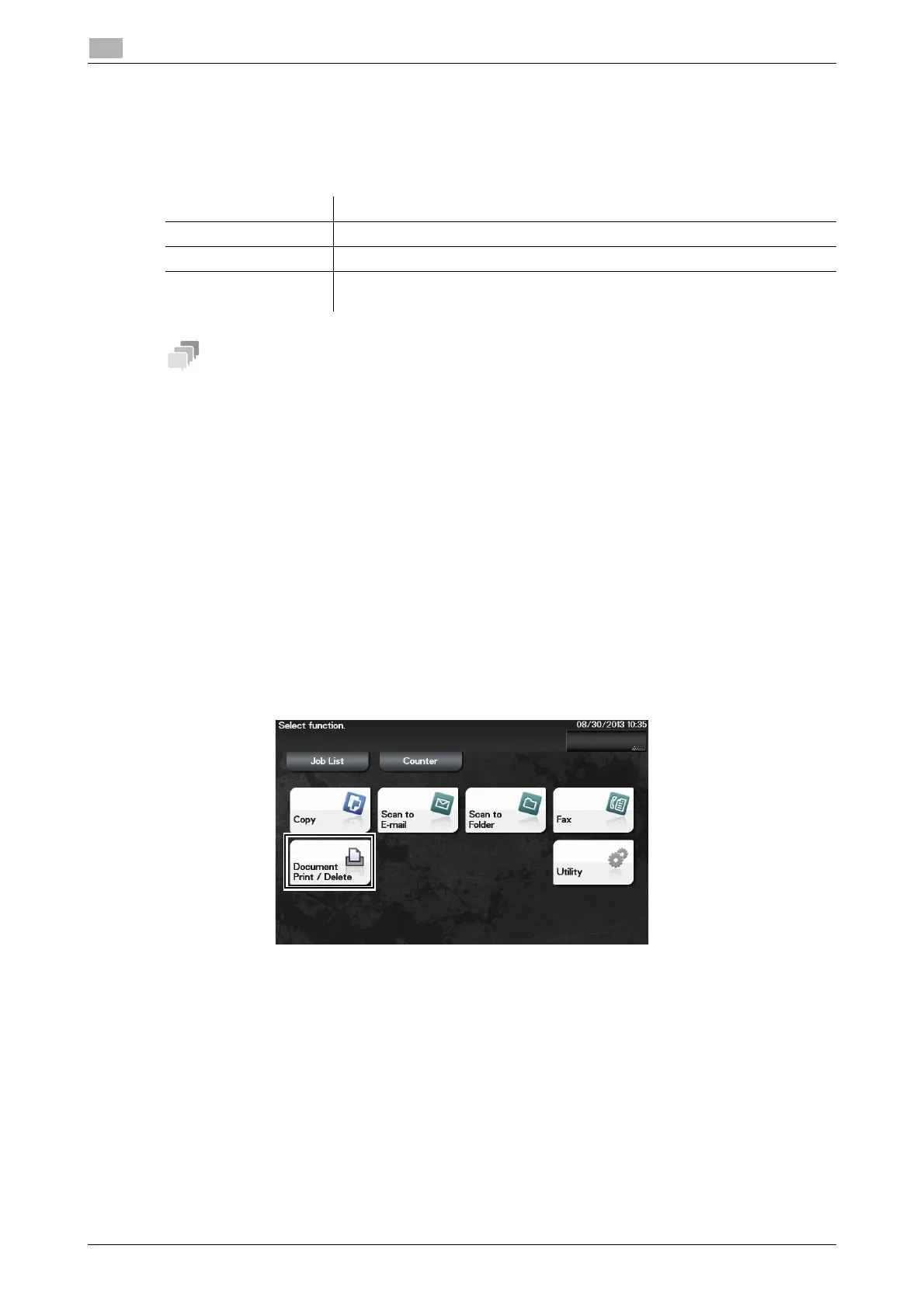
2 Tap [Document Print/Delete].
Item Specifications
Supported media USB memory device (USB 2.0 supported)
File system FAT32
File Type PDF, Compact PDF, JPEG, TIFF, XPS, Compact XPS, OOXML
(.docx/.xlsx/.pptx), and PPML (.ppml/.vdx/.zip)












 To Next Page