ineo 4050/4750 5-19
5.5 Printing a file stored on USB memory
5
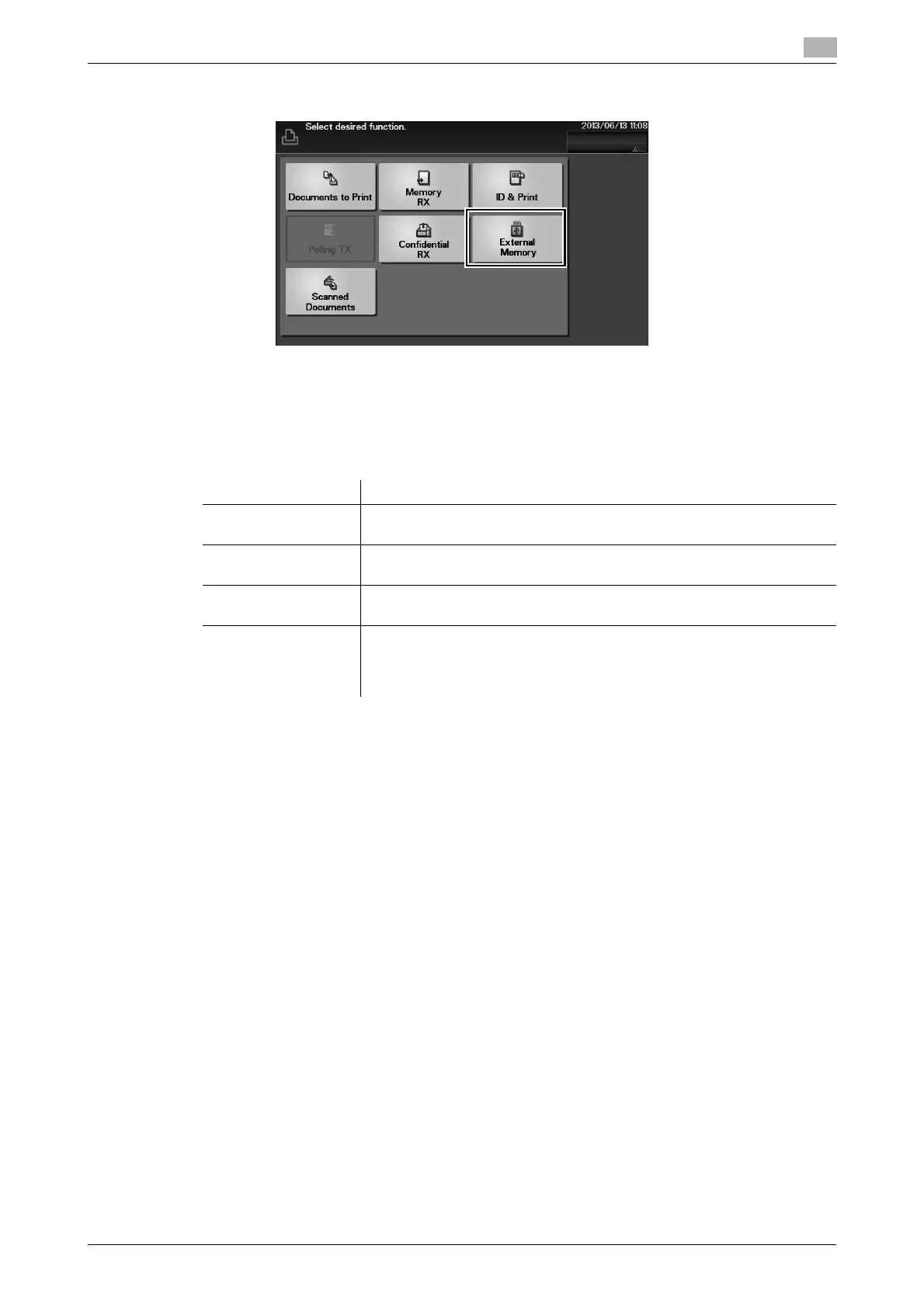
3 Tap [External Memory].
4 Select a file to print, then tap [Print].
% Tap [Up] to move upward.
% Tap [Open] to open the folder and move downward.
5 If necessary, change print settings, then tap [Print].
Settings Description
[Paper Size] Select the size of paper for printing. The paper size can be specified when
the selected file type is TIFF or JPEG.
[Duplex] Select whether or not to print data on one side or both sides of sheets of
paper. To print data on both sides, select the binding position.
[Finishing] - [Collate] When printing data by multiple copies, select whether or not to feed out
copies separately one by one like "12345", "12345", and "12345".
[Finishing] - [Staple] Staple each set of printed sheets of paper in a corner before feeding them
out. This function is useful when preparing a project proposal or other
booklet materials.
This function is available when the optional Finisher is installed.












 To Next Page