ineo+ 360i/300i/250i 9-9
9.3 When printing quality has deteriorated
9
4
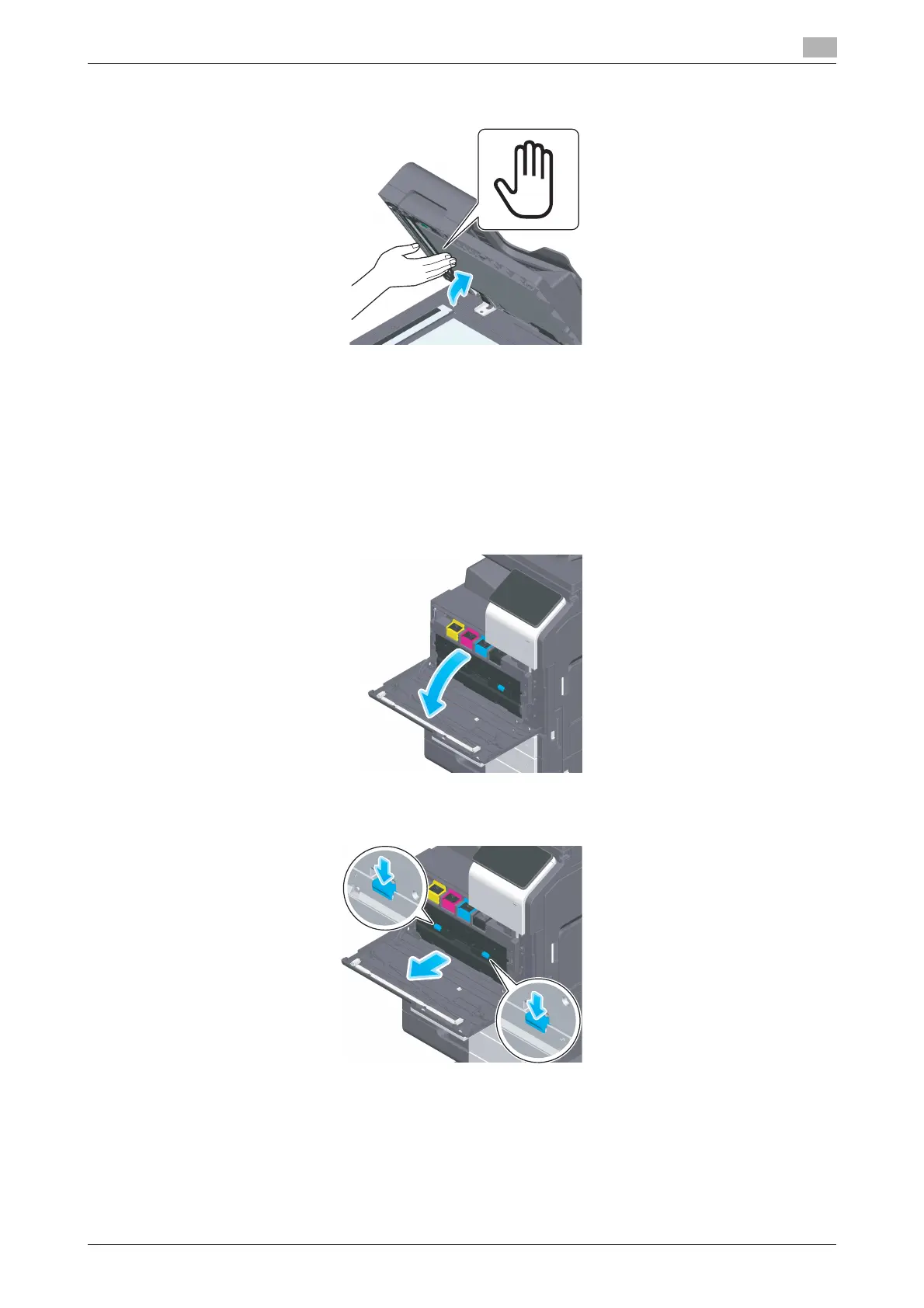
Close the Opening and Closing Guide you opened in step 2.
% Press the Hand mark in the center of the Opening and Closing Guide, and check that the Opening
and Closing Guide is locked securely.
Cleaning the Print Head Glass
Printing quality deteriorates if the Print Head Glass is dirty. If this occurs, clean the Print Head Glass ac-
cording to the following procedure.
1
Open the Front Door of the machine.
2
Remove the Waste Toner Box.











 To Next Page