14
SE-DV54-1
EN
aDVancED mEnu controlS
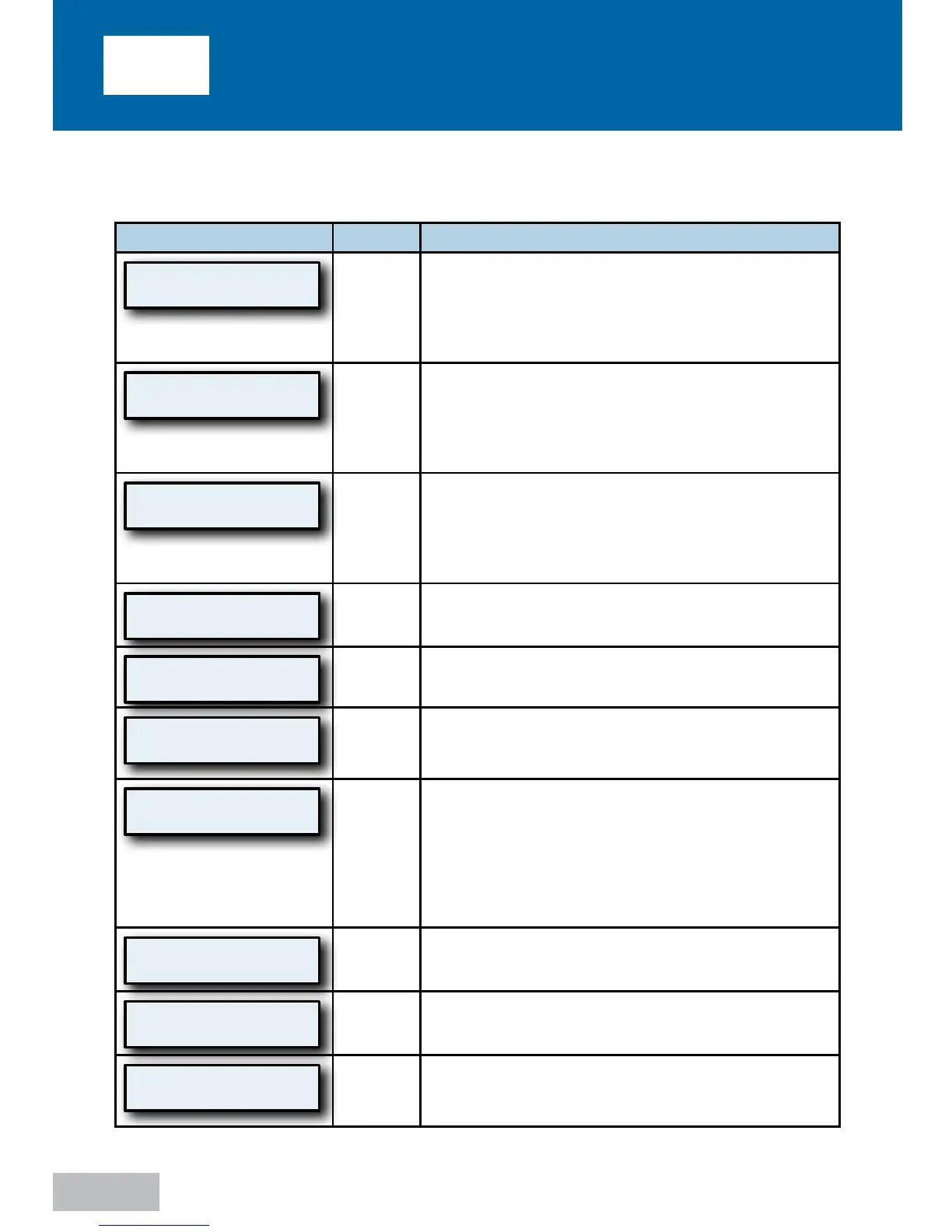
Advanced Menu List
Display Example Mode
Description
P: 5.0 Auto
Heat:Off
All
This is the default screen when the SleepCube is
turned on. The actual mask pressure and heater
setting are shown. The displayed pressure may
vary slightly while breathing. If the heater system is
not connected, the heat setting will be blank.
Upper Limit
15.0 cmH2O
AutoAdjust
Mode
This is a prescription setting which limits the
maximum pressure at which the SleepCube will
operate if in AutoAdjust mode. Your home care
provider programs this setting for you during
device setup.
Lower Limit
5.0 cmH2O
AutoAdjust
Mode
This is a prescription setting which sets the
minimum pressure at which the SleepCube will
operate in AutoAdjust mode. Your home care
provider programs this setting for you during
device setup.
Set Pressure
10.0 cmH2O
CPAP
Mode
This is a prescription setting which controls the
operating pressure.
Delay Time
45 minutes
All
Selectable delay time setting. Your provider has set
the delay time.
Delay Pressure
5.0 cmH2O
CPAP
Mode
This is a prescription setting which controls the
operating pressure during the delay time.
Tubing Length
1.8 m (6 ft)
All
The standard tubing length supplied with the
device is 6 feet (1.8 meters). However, you can
adjust your SleepCube to accommodate an air
supply tubing length of 10 feet (3.0 meters).
Replacement tubing can be obtained through your
home care provider (part numbers listed at the
end of this manual).
SmartFlex Menu
Press
All
Pressing the down key enters the SmartFlex menu.
Refer to SmartFlex Menu section for details.
Enable Menu
Press
All
Pressing the down key enters the Enable menu.
Refer to next section for Enable Menu details.
LCD Contrast Adj
50 %
All
This setting changes the contrast for the LCD
display. This only needs to be adjusted if you find it
difficult to see the display from your viewing angle.











 To Next Page