DS2400Q QAM Analyzer Operation Manual
DEVISER 16 DS2400Q
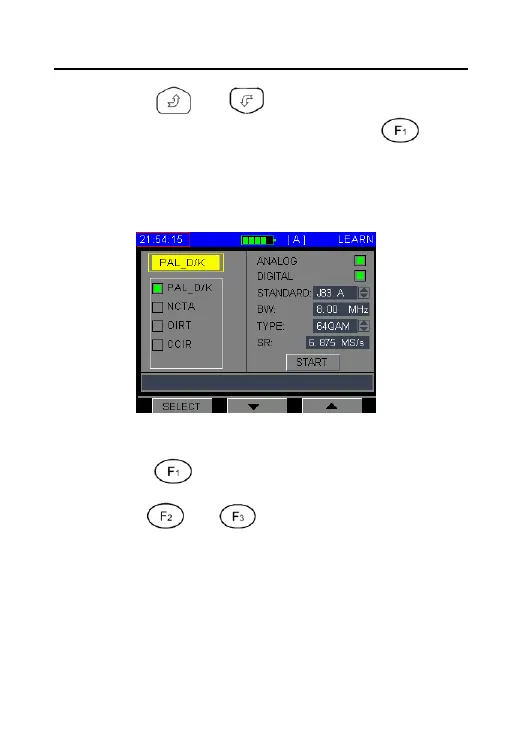
3. Press or to select the LEARN
CHANNEL PLAN item, and press , the
LEARN CHANNEL PLAN function displays
as Figure 3-2-4.
Figure3-2-4
Press to select one channel type.
4. Press or into Parameter setting,
you can define the channel plan as Analogue
channel plan, digital channel plan or
analog/digital mixed channel plan. Also you
can edit “Bandwidth, Modulation type,
Symbol Rate” in digital channel plan. When



 To Next Page