DS2400Q QAM Analyzer Operation Manual
DEVISER 66 DS2400Q
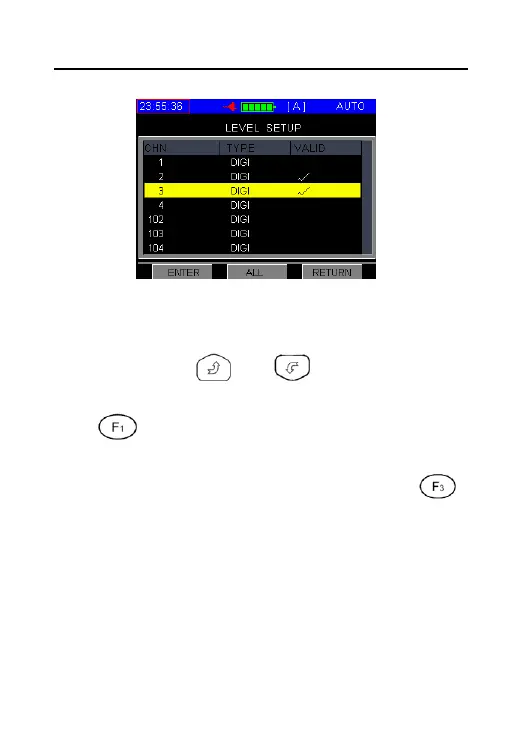
Figure 3-12-5
2. When edit tilt test parameter, move the
cursor by or and disable or
enable the measured channels by pressing
. The channel marked by "√" will be
tested in TILT item of auto test procedure. Be
sure to confirm the entry by pressing
button and return to previous menu, as figure
3-12-6.



 To Next Page