41
Chapter 3 BIOS Setup
Chapter 3
Aux Fan Mode
Selects the Aux fan’s mode. The options are Thermal CruiseTM Mode, Fan Speed
CruiseTM Mode and SmartFan TM IV Mode.
AuxFan Target Temp
This field is used to enter the target value of the Aux fan’s temperature.
AuxFan Tolerance
This field is used to enter the tolerance value of the Aux fan’s temperature.
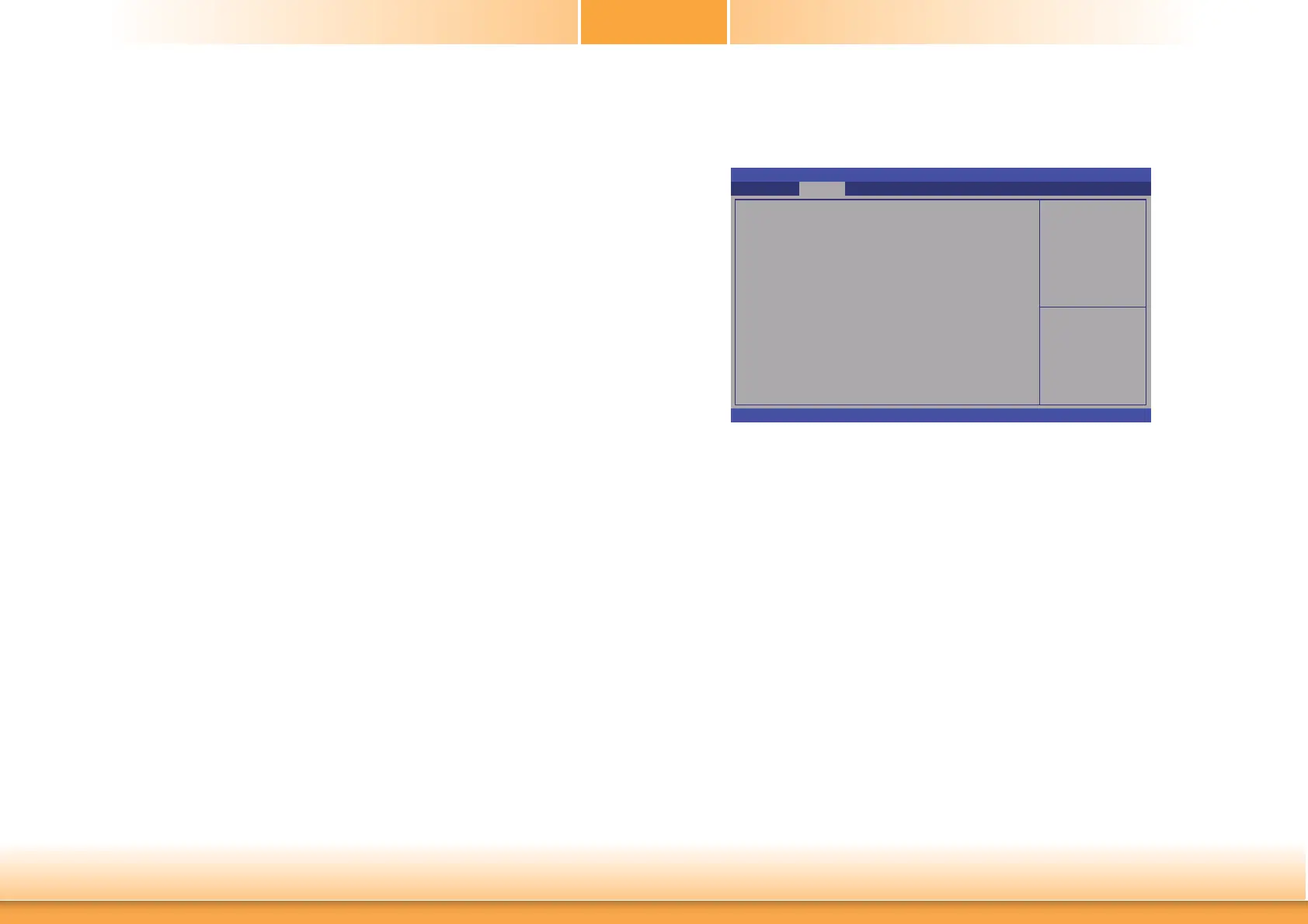
Power Failure Control
This section configures the status control when the power failure occurs.
Aptio Setup Utility - Copyright (C) 2012 American Megatrends, Inc.
Version 2.15.1236. Copyright (C) 2012 American Megatrends, Inc.
Power Failure Control
Power-Loss State
Advanced
[Keep Last State]
Select Screen
Select Item
Enter: Select
+/
-:
Change Opt.
F1: General Help
F2: Previous Values
F3: Optimized Defaults
F4: Save & Exit
ESC: Exit
Control the status when
power loss occurs
Power-Loss State
Controls the status when the power loss occurs.
Always Off
When power returns after an AC power failure, the system’s power is off. You must
press the Power button to power-on the system.
Always On
When power returns after an AC power failure, the system will automatically power-on.
Keep Last State
When power returns after an AC power failure, the system will return to the state
where you left off before power failure occurs. If the system’s power is off when AC
power failure occurs, it will remain off when power returns. If the system’s power is on
when AC power failure occurs, the system will power-on when power returns.



 To Next Page