42
2
Hardware Installation
2.6.3 S/PDIF Connector
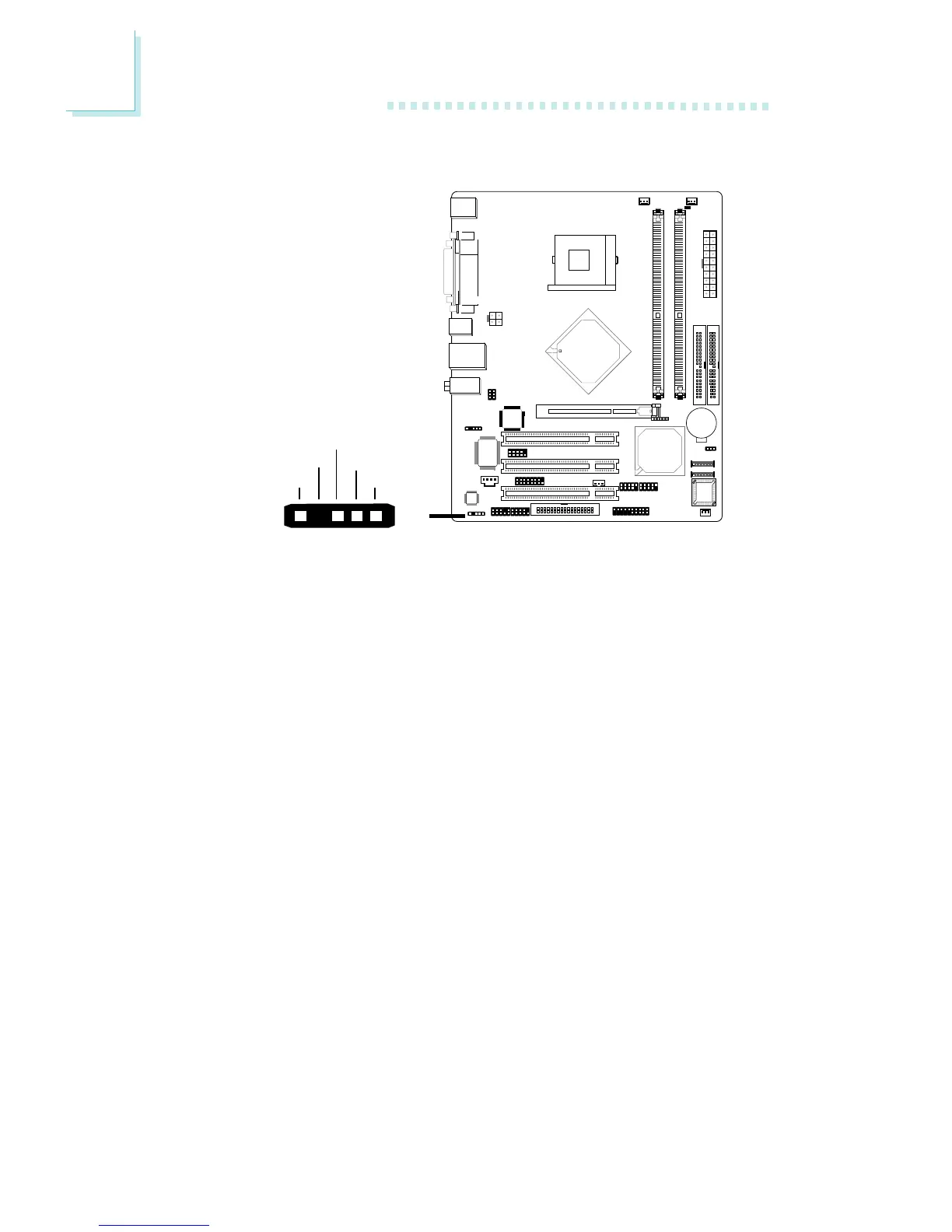
The system board is equipped with a S/PDIF connector. One card-
edge bracket, mounted with S/PDIF ports, will be provided as an
option. Install the card-edge bracket to the system chassis then
connect the audio cable connector to J3. Make sure pin 1 of the
audio cable connector is aligned with pin 1 of J3.
15
VCC
Key
SPDIF out
GND
SPDIF in
"



 To Next Page