50
2
Hardware Installation
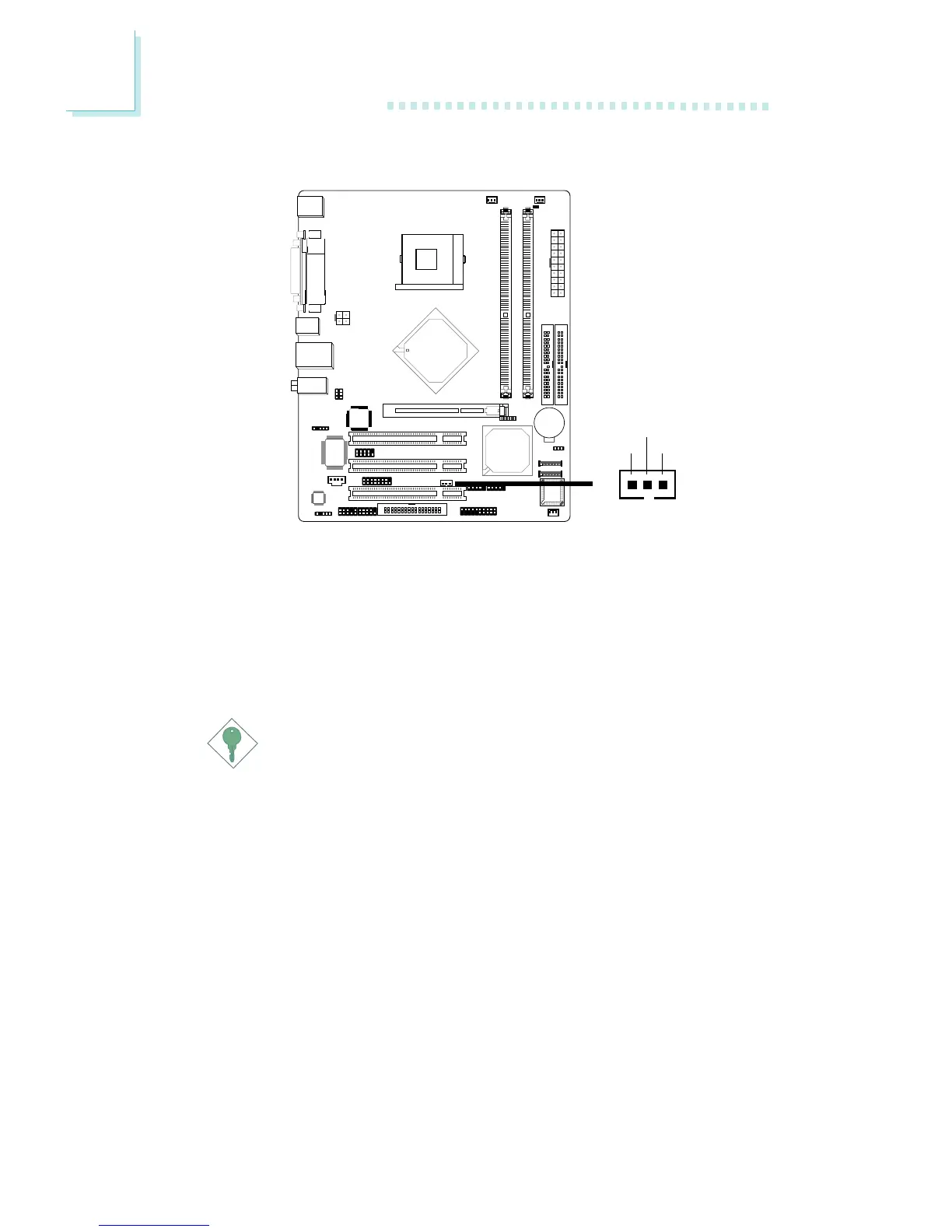
2.6.10 Wake-On-LAN Connector
Your LAN card package should include a cable. Connect one end of
the cable to the wakeup header on the card and the other end to
location J10 on the system board. The network will detect Magic
Packet and assert a wakeup signal to power-up the system. Refer to
the add-in card’s manual for details. Note: Your LAN card must
support the remote wake up function.
Important:
The 5VSB power source of your power supply must support
≥
720mA.
BIOS Setting
To use the Wake-On-LAN function, you must enable the “Resume
On LAN” (“PM Wake Up Events” field) in the Power Management
Setup of the BIOS.
!
13
WOL
Ground
+5VSB



 To Next Page