73
3
Award BIOS Setup Utility
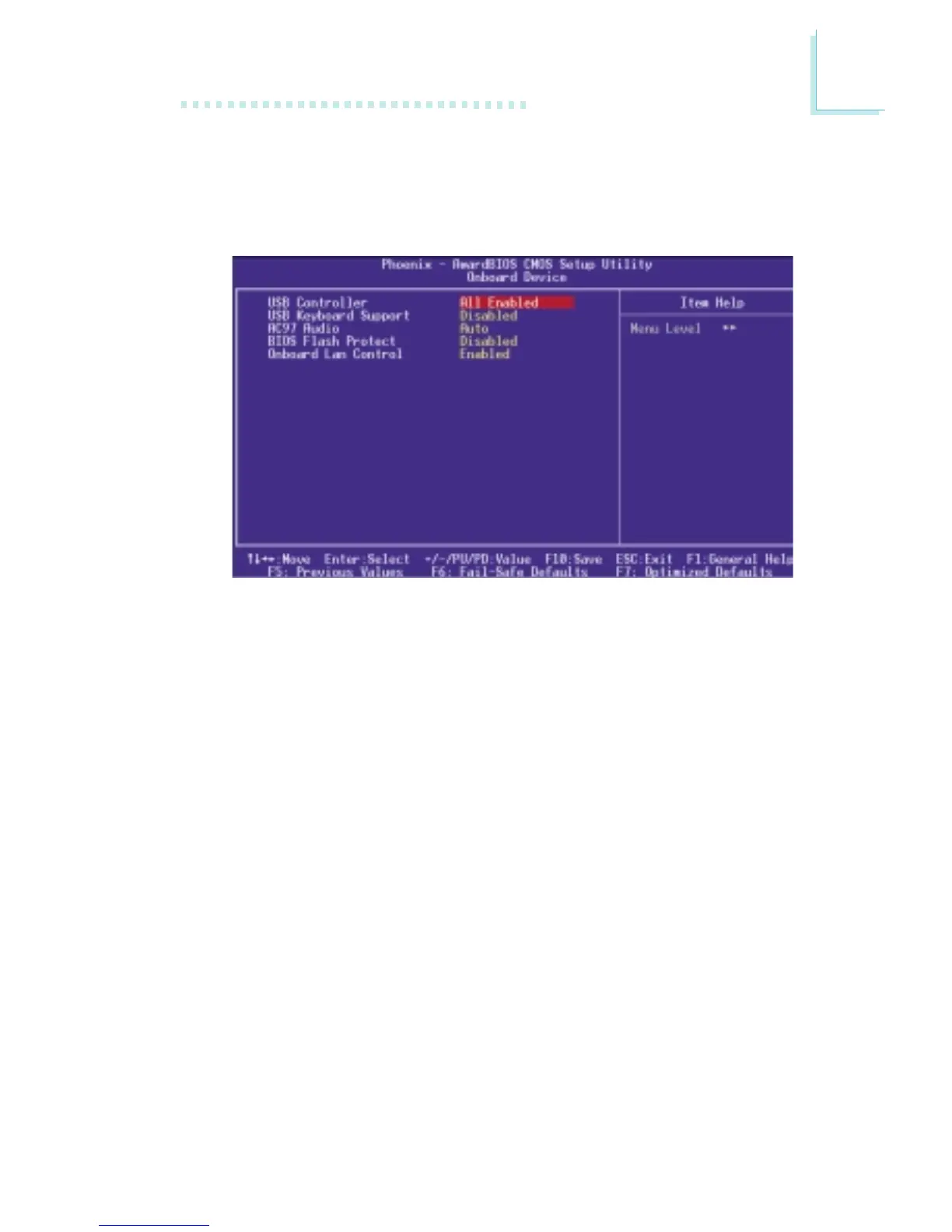
3.1.4.2 Onboard Device
Move the cursor to this field and press <Enter>. The following
screen will appear.
The settings on the screen are for reference only. Your version may not be identical
to this one.
USB Controller
All Enabled Enables all USB ports.
USB 2.0 Disabled USB 2.0 is disabled; USB 1.1 is enabled.
All Disabled Disables all USB ports.
USB Keyboard Support
If you are using a USB keyboard under DOS, set this field to
Enabled. This field can be configured only if the “USB Controller” field
is enabled.
AC97 Audio
Auto Select this option when using the onboard audio
codec.
Disabled Select this option when using a PCI sound card.



 To Next Page