When using the tablet terminal
When operating the aircraft using the tablet device, the tablet device can be used by hanging it on the front of the aircraft.
You can route the following two cables through the inside of the aircraft.
•
USB cabling (accessory) connecting the aircraft to the tablet terminal
•
Tablet charging cable
Procedure
1.
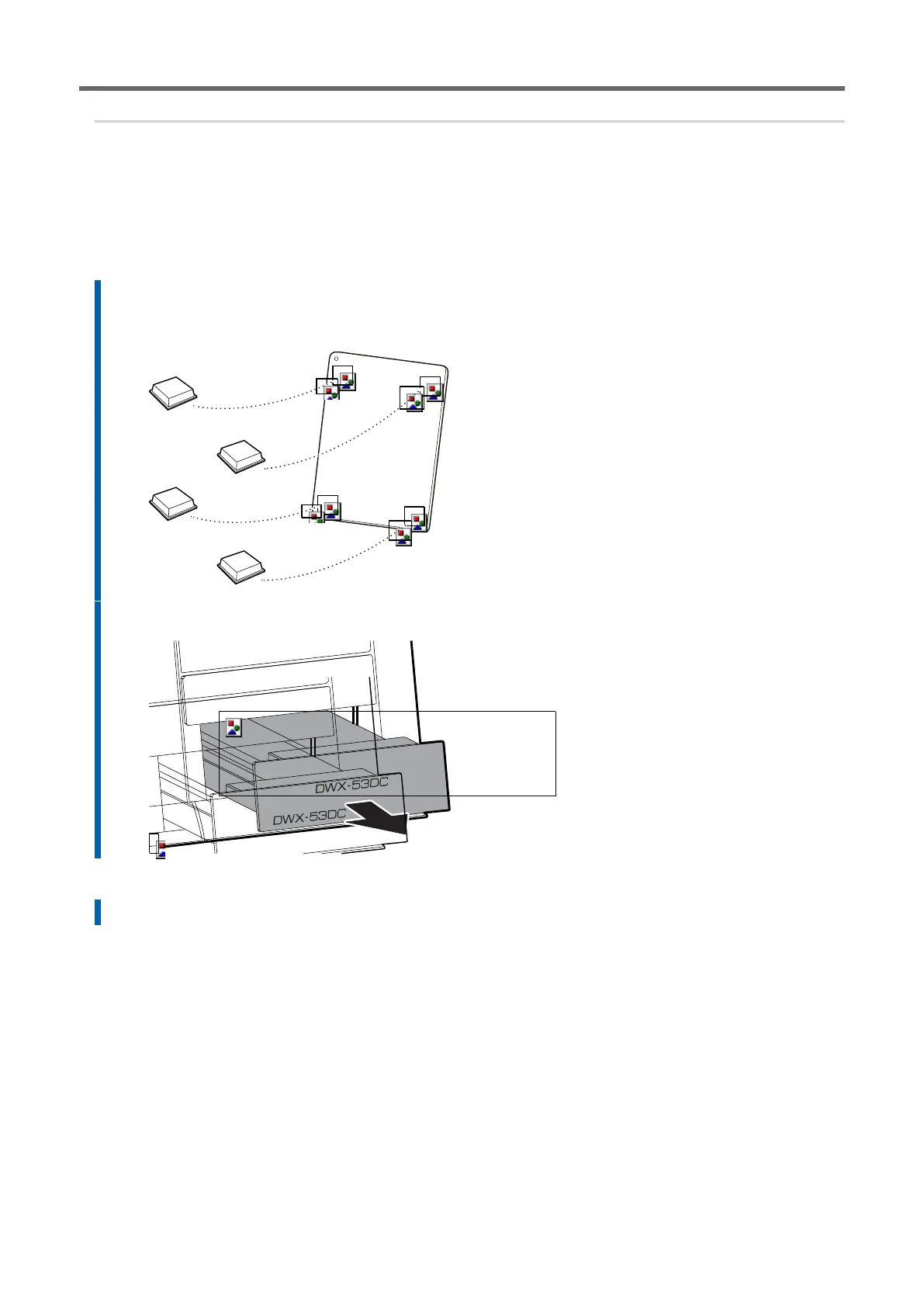
Fit the accessory cushion on the back of the tablet device.
If the tablet comes into contact with the built-in panel, the aircraft may malfunction. A cushion should be
fitted to allow clearance between the tablet device and the built-in panel.
2.
Pull out the bottom storage.
3.
Loosen the retaining screw at the bottom of the tablet base.
4.
Pull out the tablet base from the bottom of the built-in panel.



 To Next Page