2.
Attaching the automatic correction tool
Procedure
1.
Turn on the power of this unit.
The aircraft will begin initial operation. The initial operation is complete when the status light changes from blinking
to solid.
2.
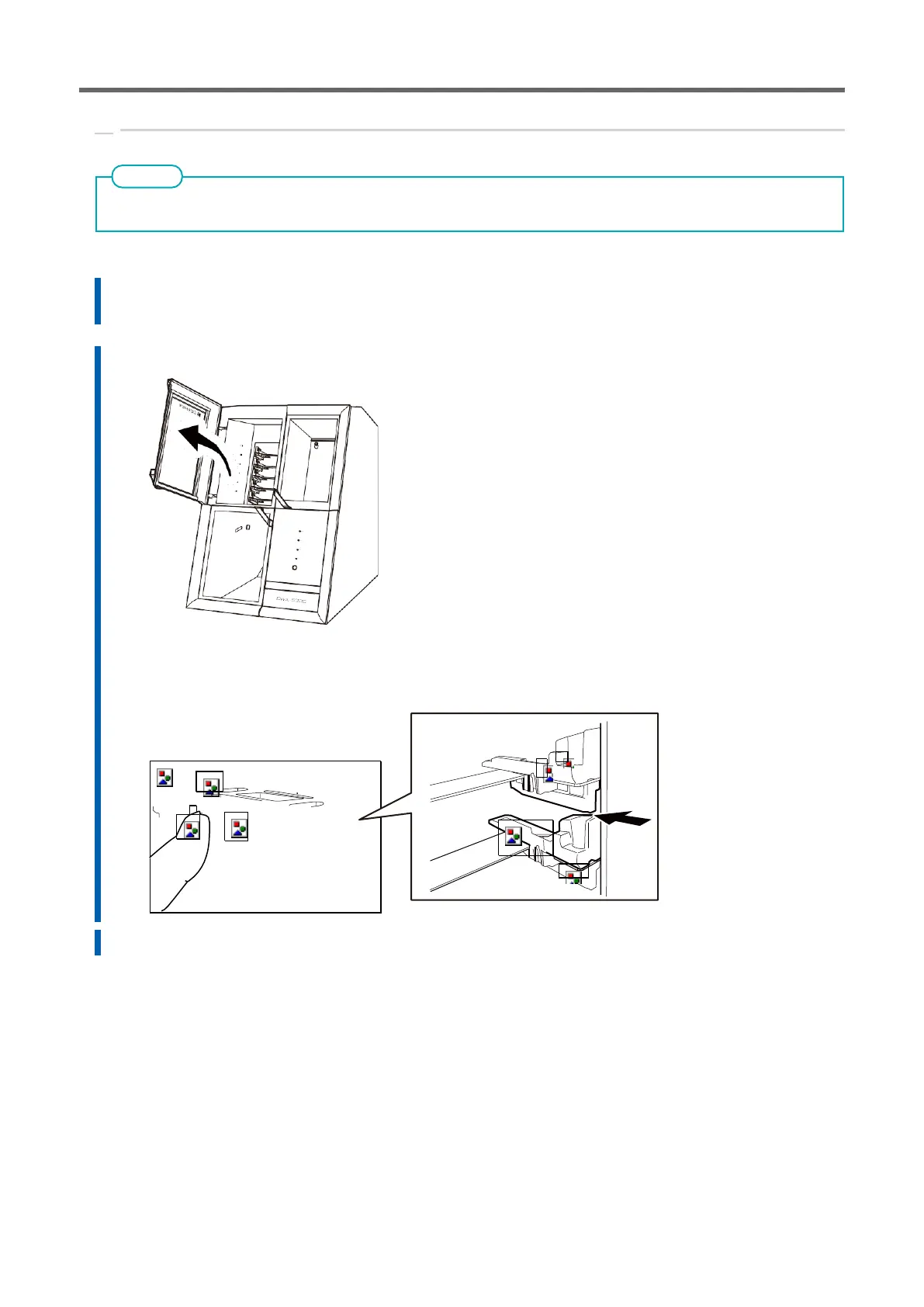
After the initial operation is completed, open the adapter area cover.
3.
Point the adapter ID toward you and insert the automatic correction tool into the adapter stocker.
Be sure to insert the adapter gently. Forceful insertion may cause the adapter to strike the interior of the
aircraft, resulting in chipping or injury of the workpiece.
4.
Close the adapter area cover.



 To Next Page