3.
Automatically compensate
Procedure
1.
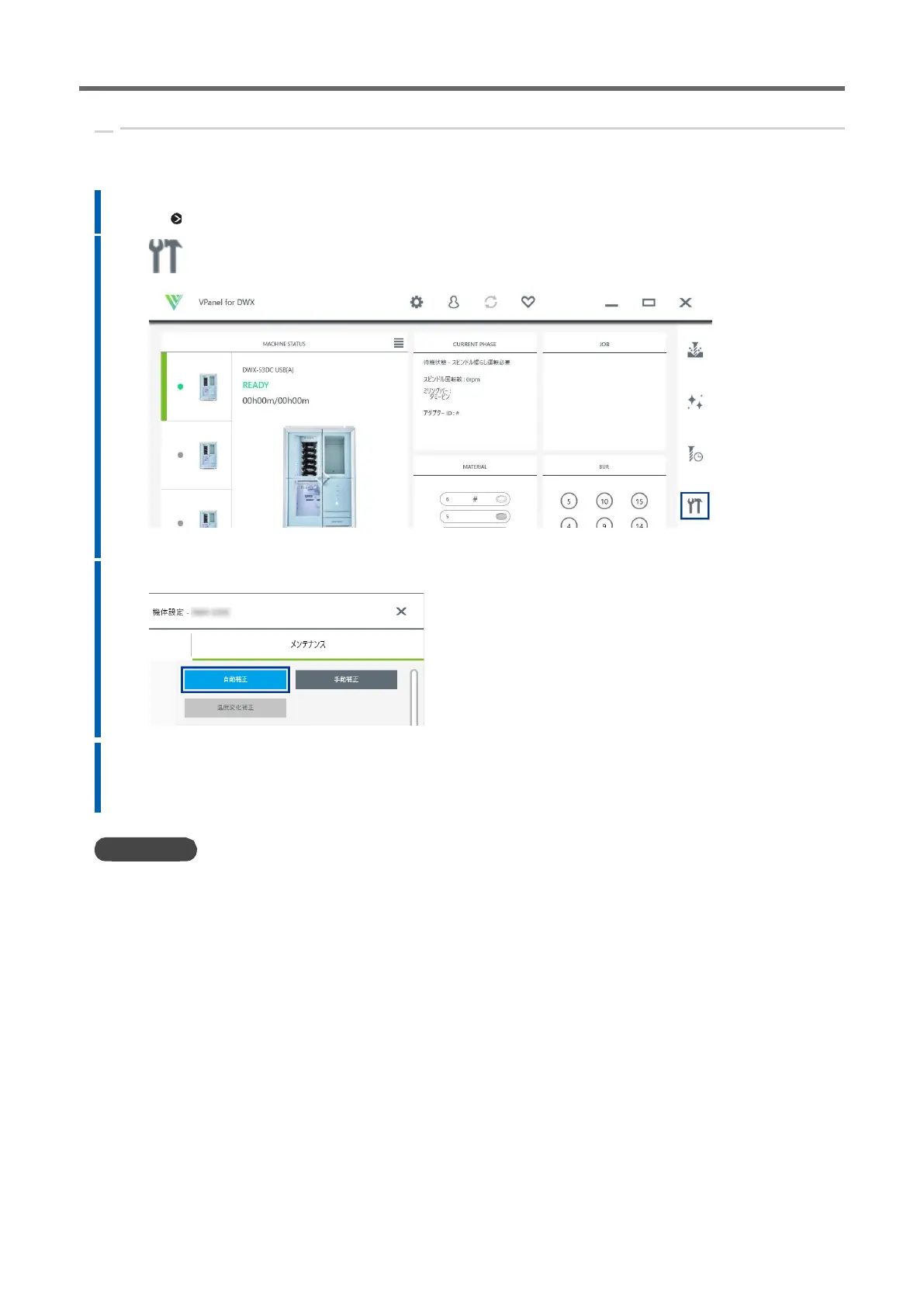
Displays VPanel.
P. Show 39VPanel
2. Click OK.
The [DWX-53DC Aircraft Sets] window appears.
3.
Click [Automatic correction] on the [Maintenance] tab.
4.
Carry out automatic correction according to the instructions on the screen.
After you perform the operations shown on the screen, click [OK] to proceed to the next screen.
When the completion of work message is displayed, the automatic correction is complete.
•
DWX-53 DC User's Manual



 To Next Page