4.
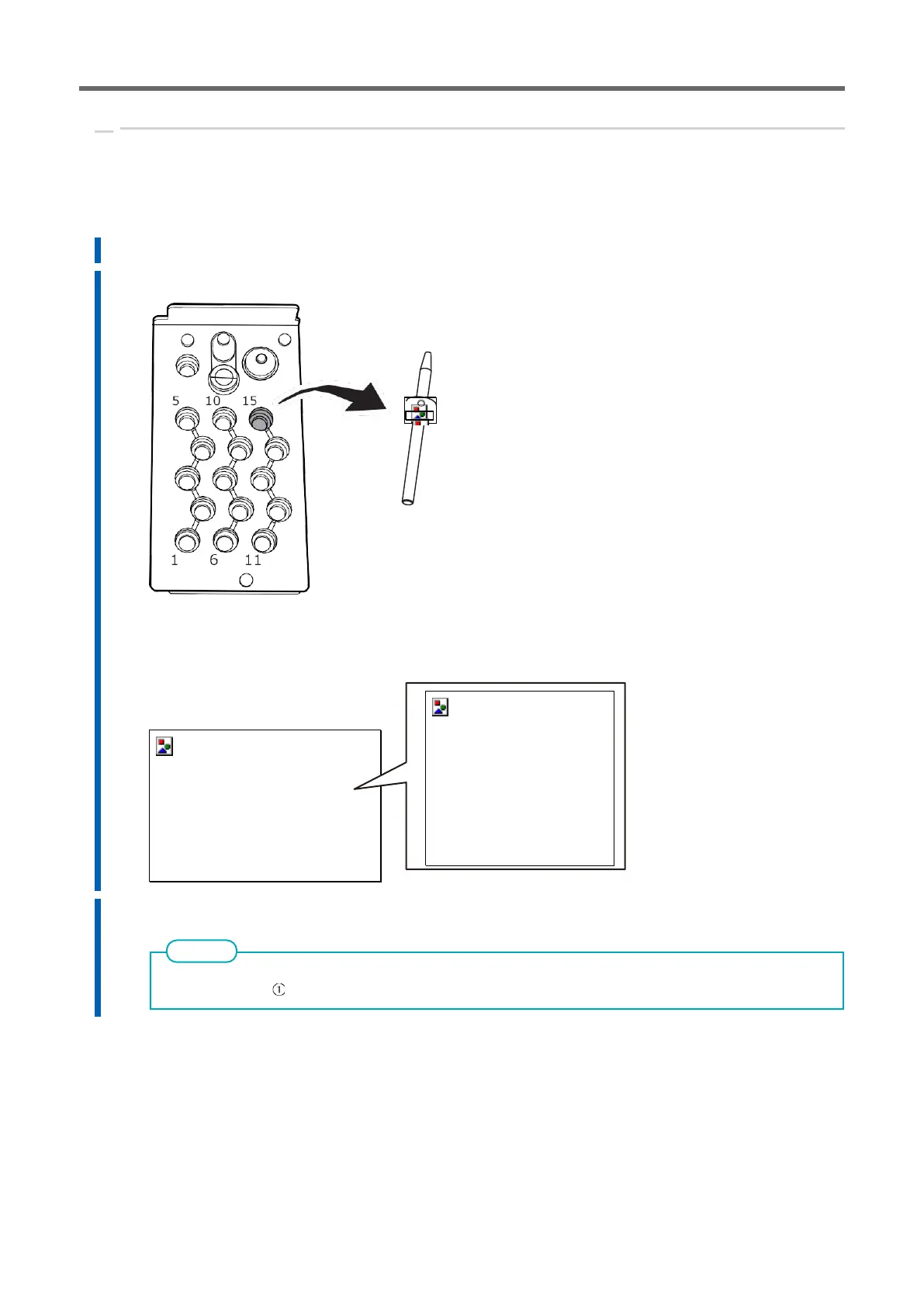
Remove the detection pin and the automatic correction tool.
When the correction value is completed, remove the detection pin and the jig for automatic correction, clean them, and then
store them.
Procedure
1.
Open the tool area cover and adapter area cover.
2.
Remove the detection pin.
3.
Remove the automatic correction tool.
Pull out the automatic correction tool slowly. Take care not to hit your hand or other objects inside the
adaptor area when pulling it out.
4.
Store the detection pin and automatic correction tool in the bottom storage.



 To Next Page