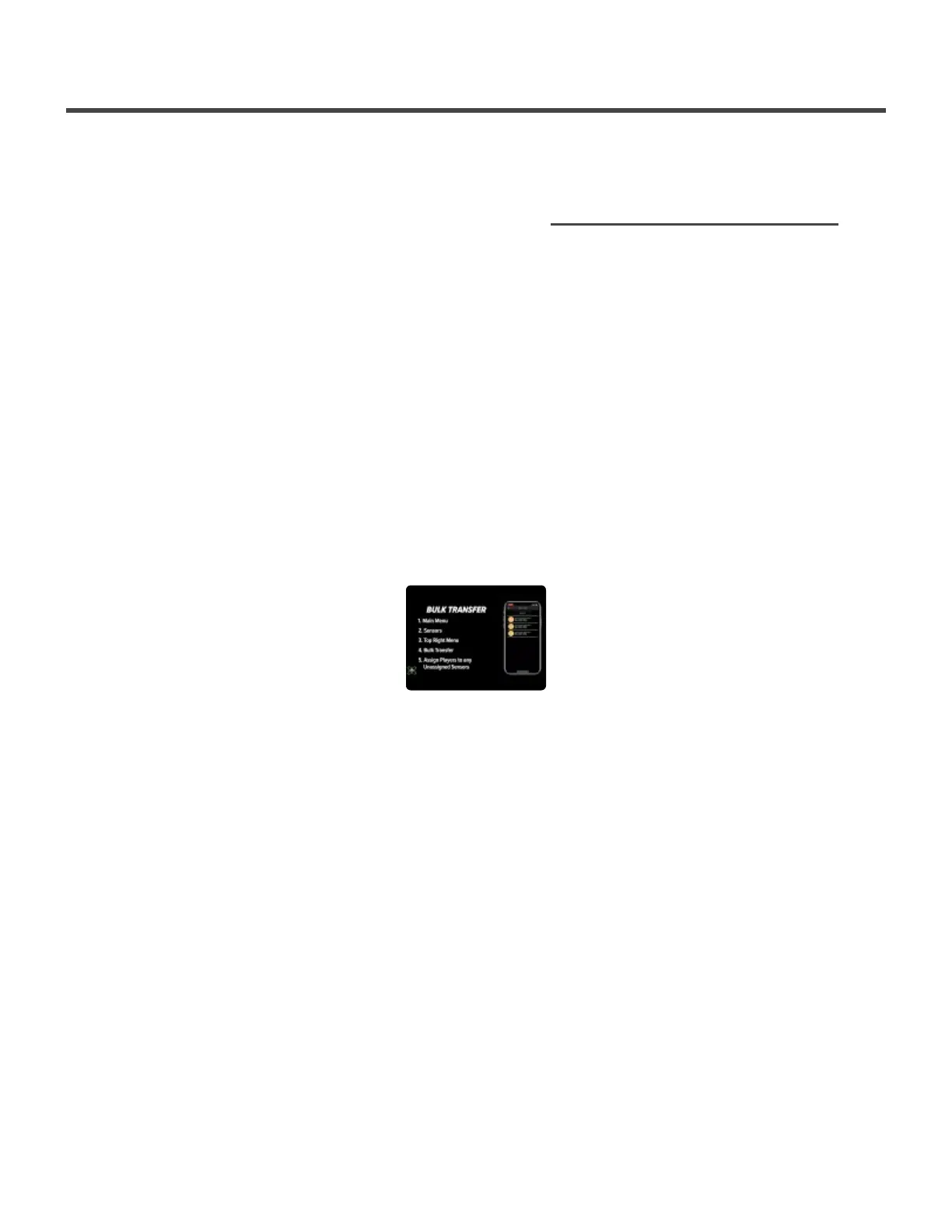
Bulk Transfers
If you have many players on your team taking disconnected swings, the Bulk
Transfer feature will allow you to select all of the sensors you would like to
transfer swings from. All the sensors you select must be assigned to a player or
else you will be unable to select the sensor. This will ensure all of the swings are
put into the correct accounts.
1. Make sure the sensors you want to transfer swings from are on and ready to pair
2. Open the SENSORS page from the main menu in the app
3. Click on the three dots in the top right corner
4. Select Bulk Transfer
5. Select the sensors that you would like to transfer the swings from. (Each sensor will show the number
of swings stored on it) As you select a sensor, a green check mark appear next to it
6. Once all desired sensors are selected, click Transfer in the lower right corner
7. The transfer process will begin. All of the sensors will be connected to one at a time.
8. Once the transfer is done you will get a transfer report showing that the process has been completed
9. Select Finish
Diamond Kinetics SwingTracker - 1
Page 26 of 107


 To Next Page