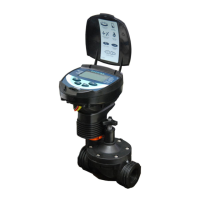
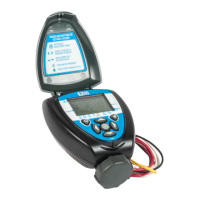
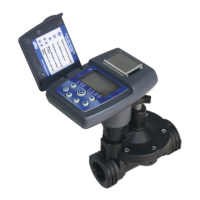
3. sYsTem componenTs
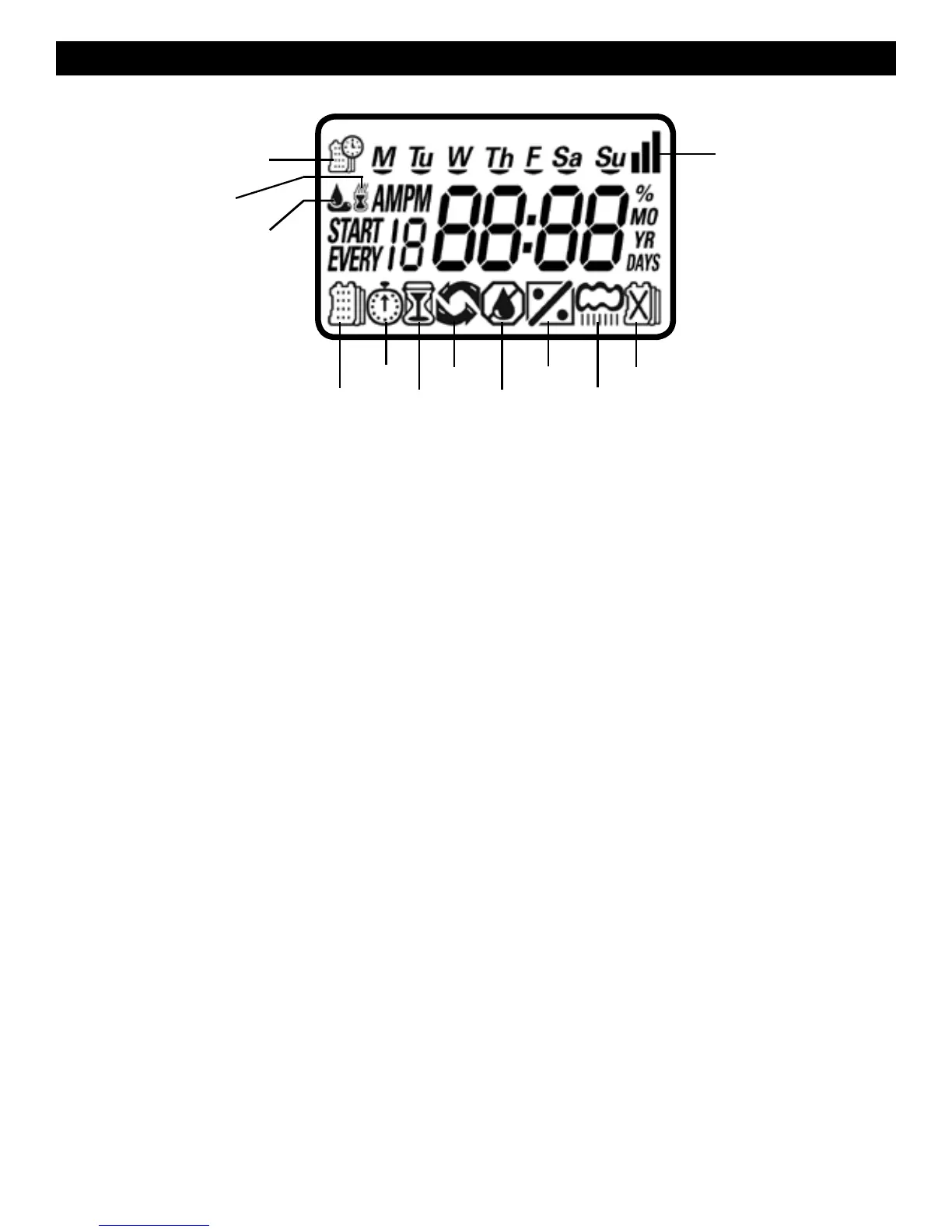
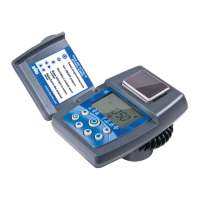
LCD Display
1. Time and Date - Indicates current time and day
2. Set Watering Days - Choose either specific days, odd/even days, or up to once
every 30 days
3. Start Time - Up to 5 start times per day available
4. Run Time - Watering duration from 1 minute to 6 hours
5. Manual Run - Appears when manual button is pushed
6. Set ET - Used to set one of the 20 SimpleSmart
™
presets
7. Set Monthly Budget - Seasonal adjustment setting (0%-200%) in 5%
increments or to fine-tune SimpleSmart
™
programming
8. Rain Delay - Delay irrigation setting from 1>99 days with automatic restart
9. Events Off - Suspends watering for any month or any specific day within
the month.
10. Power Level - Represents current charge level
11. Sensor - Appears only when sensor is connected and active
12. Watering - Appears when valve is open
q
w
r y
i
o
a
e t u
d
s
5


 To Next Page