C|24 Guide36
LCD Displays
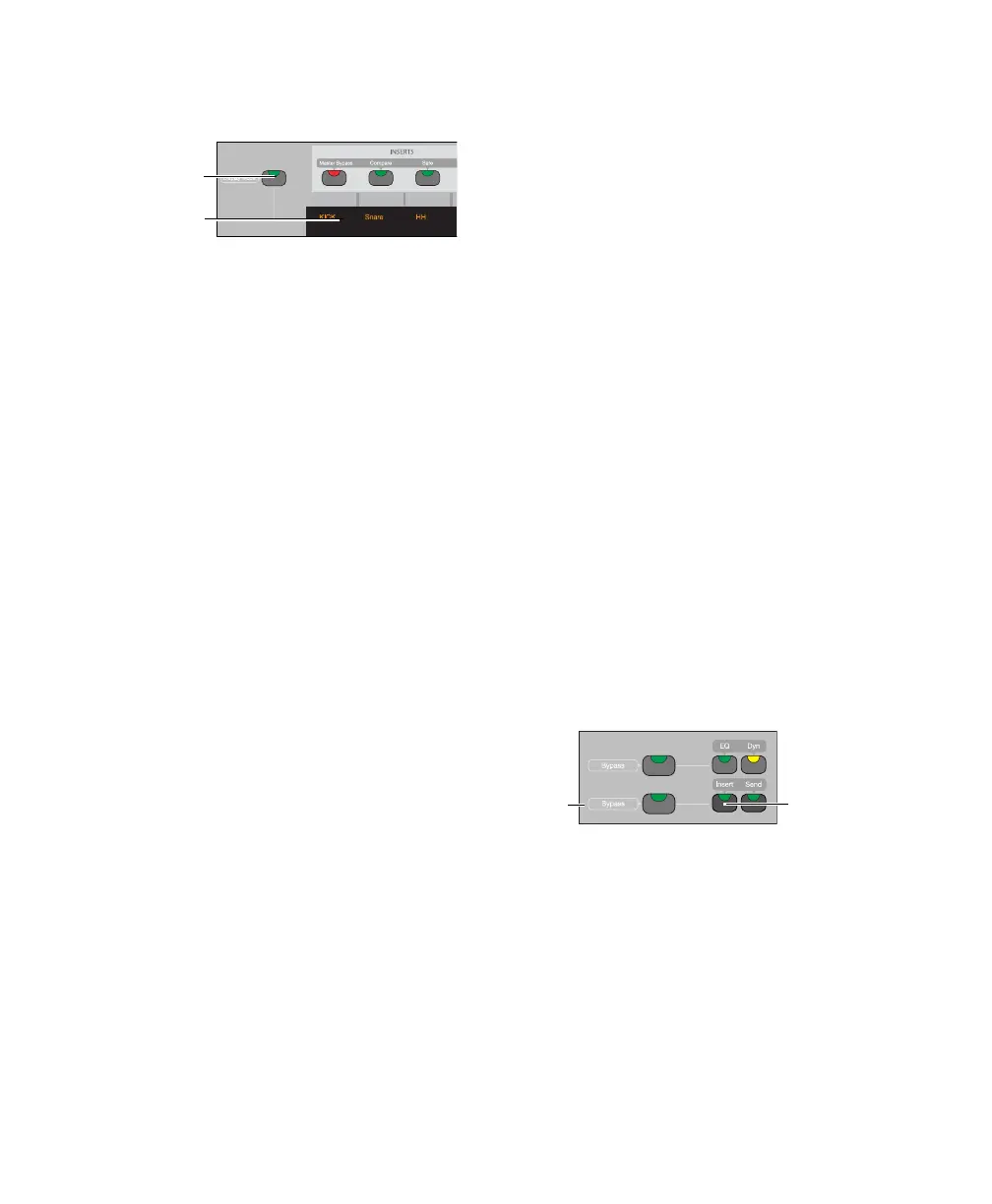
The backlit LCD displays provide two rows of 6
characters for each channel strip.
LCD Display Mode Switch
To cycle forward through LCD display modes:
Press the LCD Display Mode switch.
To cycle backward through the LCD display
modes:
Hold the Shift (add) Modifier switch and press
the LCD Display Mode switch.
The available display modes depends on the cur-
rent view.
Home (Pan Console) View
In Pan Console view, the LCD Display Mode
switch cycles through the following channel
display modes:
Name Mode Shows the track name only on the
top row. Volume and Pan values are displayed
on the bottom row when the fader is touched or
the encoder is moved, according to the TchVal
preference.
Volume Mode Shows the track name on the top
row and track volume on the bottom row.
Pan Mode Shows the track name on the top row
and track pan on the bottom row.
Headroom Mode Shows the track name on the
top row and track headroom on the bottom row.
Mem Loc/Win Cfg Mode Shows the track name
on the top row and available Memory Locations
or Window Configurations on the bottom row.
Sends Console View
In Sends Console view, the LCD Display Mode
switch cycles through the following Send dis-
play modes:
Send Path Shows the track name on the top row
and the I/O or bus path for the Send on the bot-
tom row.
Send Volume Shows the track name on the top
row and the Send volume on the bottom row.
Blank Shows track name only on the top row.
Channel Information
In any view, you can also press and hold the
LCD Display Mode switch to show channel state
information, including current view display,
LCD display data, rotary and fader controls, and
plug-in information.
Insert Switch
Each channel has an Insert switch that lets you
select and view inserts on that channel. The
switch lights to indicate that there is at least one
non-EQ, non-Dynamics insert on the channel.
LCD displays and Display Mode switch
Display Mode
switch
LCD displays
Insert switch
Insert/Send
Bypass
switch
Insert switch



 To Next Page