Chapter 6: C|24 Pro Tools Controls 55
Meter Bridge
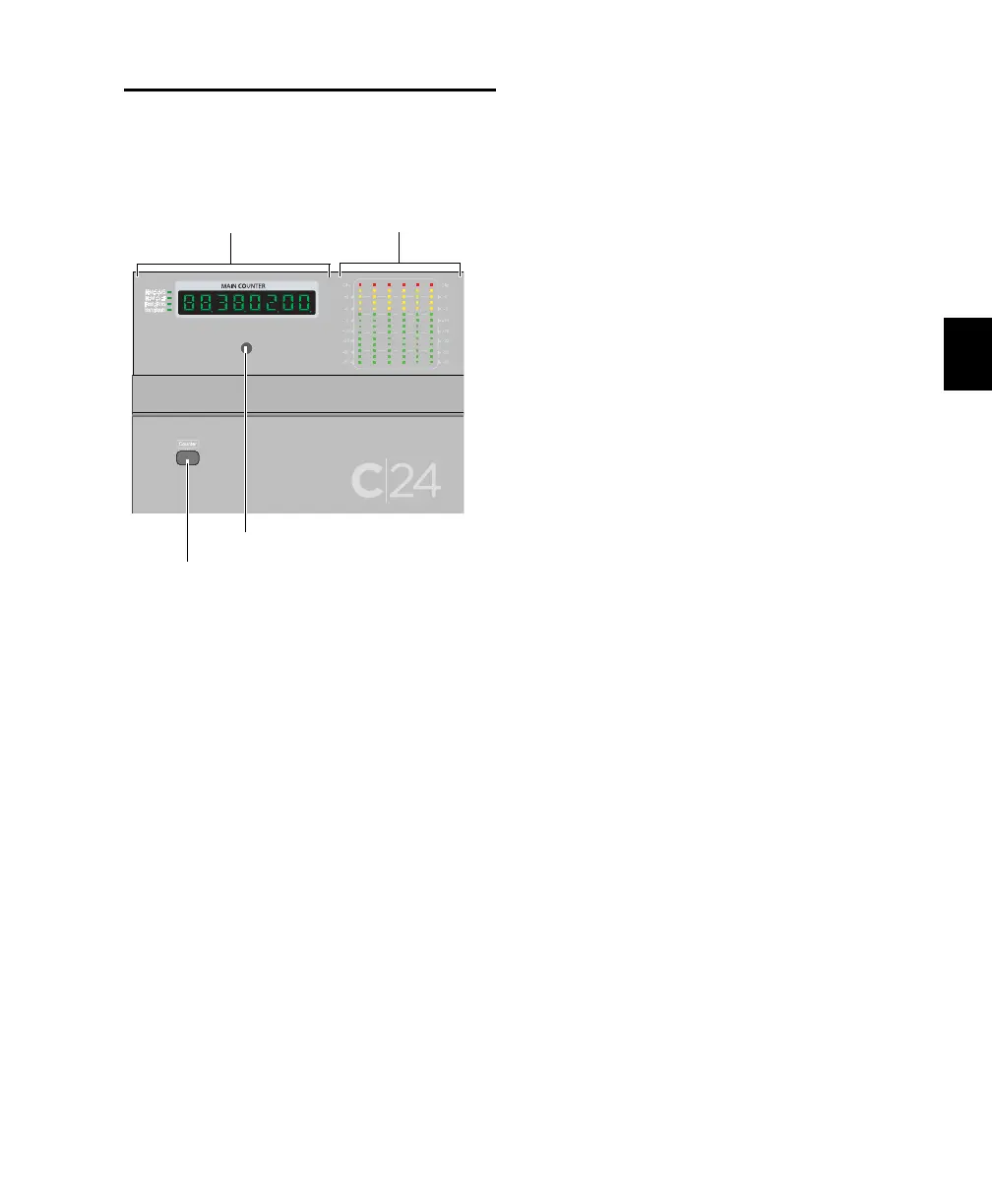
Meters and Counter Display
Output Meters
The right side of the C|24 meter bridge has a
group of six 14-segment LED bar graphs for dis-
playing output levels.
Stereo Output
In a standard configuration, the Output meters
show stereo output on channels 1 and 3.
Multichannel Output (Pro Tools HD Only)
The Output meters show multichannel output
up to 5.1 Surround. The meters always display
output in the following order: L, C, R, Ls, Rs,
LFE.
Main Counter
The Main Counter mirrors the display of the
Main Time Scale in Pro Tools.
Time Display Format Indicators
The indicator to the left of the Main Counter
shows the currently displayed time scale format.
Formats include:
• Hours:Minutes:Seconds:Milliseconds
• Hours:Minutes:Seconds:Frames
• Feet+Frames
• Bars|Beats
• Samples (all indicators off)
Counter Switch
The Counter switch cycles the Main Counter on
C|24 (and on-screen in Pro Tools) through the
time scale formats currently displayed in the
Pro Tools Edit window.
To cycle the Main Counter through all time
formats:
Hold Option/Alt (all) while pressing the
Counter switch.
Talkback Microphone
The C|24 built-in Talkback microphone is acti-
vated by the Talkback switch. The output for the
built-in Talkback microphone appears in the
Cue Outputs connectors.
Main Counter and Output Meters
Talkback microphone
Output MetersMain Counter
Counter switch



 To Next Page